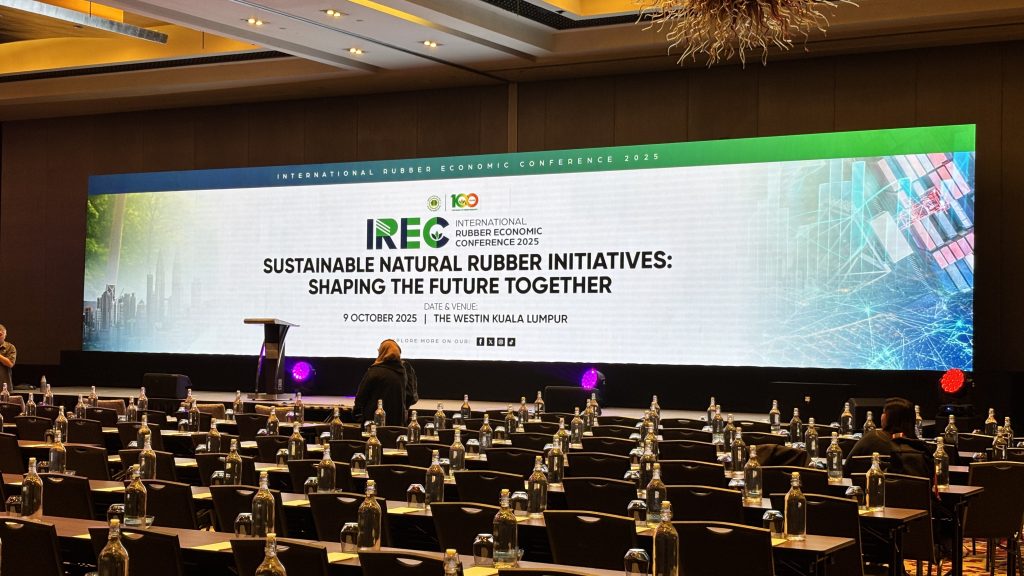
A corporate event can look simple from the audience’s perspective.
A stage. A presentation screen. A few microphones. Some lighting. Perhaps a video, keynote presentation or product launch.
But behind that seemingly simple setup is a network of technical decisions that need to work together.
The screen needs to display the right content. Speakers need to be heard clearly. Lighting needs to support the stage without affecting cameras or screens. Presentations need to connect correctly. Power needs to be sufficient. Equipment needs to arrive on time and be installed according to the venue’s requirements.
When these details are planned properly, the audience may never notice them.
And that is often the point.
A well-executed production allows the event itself to remain the focus rather than the technology.
Whether you are planning a corporate conference, annual dinner, product launch, town hall, award ceremony, seminar or company gathering, this event production checklist can help you review the key technical requirements before event day.
Start With the Event Objectives
Before choosing equipment, define what the event needs to achieve.
A corporate event may be designed to:
- Present company results
- Launch a new product
- Educate employees or customers
- Host keynote speakers
- Recognise employees or partners
- Facilitate networking
- Stream an event to remote audiences
- Create a strong brand experience
The objective influences the production requirements.
For example, a leadership town hall may prioritise speech intelligibility and presentation visibility, while a product launch may require larger visual displays, dramatic lighting, video playback and carefully timed show cues.
Checklist
- What is the main objective of the event?
- Who is the audience?
- How many attendees are expected?
- Is the event primarily presentations, performances, networking or a combination?
- Will the event be recorded or livestreamed?
- Are there VIPs, executives or keynote speakers?
- What should the audience see, hear and experience?
- Starting with these questions prevents the production plan from becoming simply a list of equipment.
Confirm the Venue and Event Space
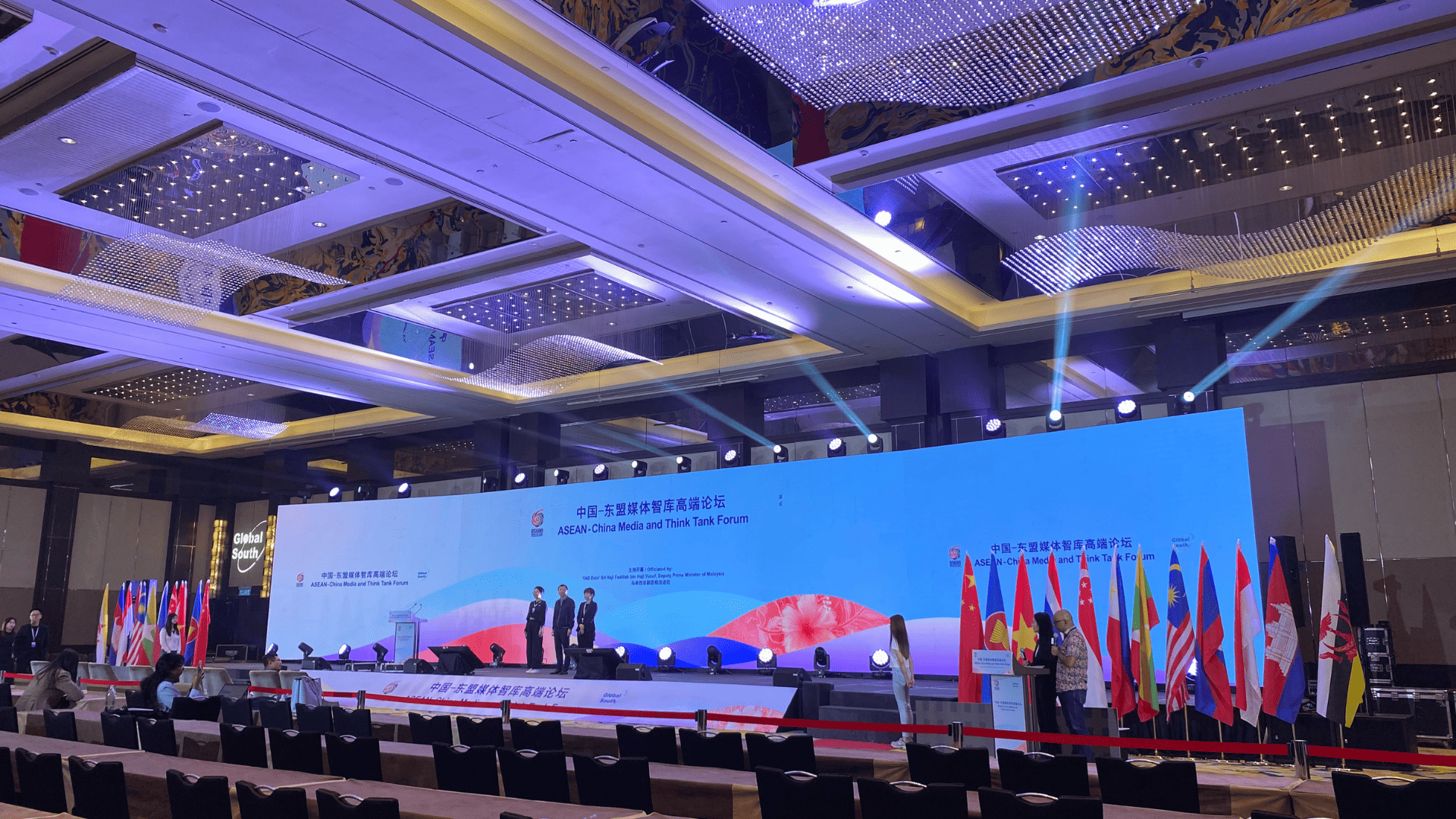 The venue has a major influence on event production.
Two events with the same programme can require completely different technical setups depending on the venue.
A hotel ballroom may have ceiling restrictions, fixed rigging points and built-in audiovisual equipment. A convention hall may offer a larger production footprint but require more extensive staging, power distribution and cabling. An outdoor venue introduces additional considerations such as weather, sunlight, wind and ground conditions.
Before finalising your event production services, confirm the physical characteristics of the venue.
Checklist
- Venue address and event space confirmed
- Room dimensions confirmed
- Ceiling height confirmed
- Stage area and available floor space measured
- Audience capacity confirmed
- Load-in and load-out routes checked
- Loading bay access confirmed
- Lift dimensions and weight restrictions checked
- Storage areas identified
- Setup and dismantling times confirmed
- Venue technical rules reviewed
- Rigging points and restrictions confirmed
- Power availability confirmed
- Internet and connectivity requirements confirmed
A site visit can be particularly useful for larger or technically complex events because drawings and venue specifications do not always reveal every practical limitation.
Build the Technical Production Brief
Once the event format and venue are understood, create a clear technical brief.
This should describe what happens during the event rather than simply listing equipment.
For example:
9:00 AM – Opening
- Walk-in music
- Holding screen
- Stage lighting
- MC microphone
9:15 AM – CEO Keynote
- Presentation playback
- Confidence monitor
- Presentation clicker
- Main screen
- Stage lighting
- Wireless microphone
10:00 AM – Panel Discussion
- Moderator microphone
- Panel microphones
- Stage seating
- Additional lighting
- Camera coverage
This gives the production team a better understanding of how the equipment needs to work together.
Checklist
- Event agenda available
- Run-of-show prepared
- Session timings confirmed
- Speaker requirements collected
- Presentation formats confirmed
- Video playback requirements identified
- Break music requirements identified
- MC and speaker microphone requirements confirmed
- Panel discussion requirements confirmed
- Award or stage cue requirements identified
- Livestream or recording requirements identified
The more detailed the programme becomes, the easier it is to determine the appropriate production setup.
Plan the Audio System
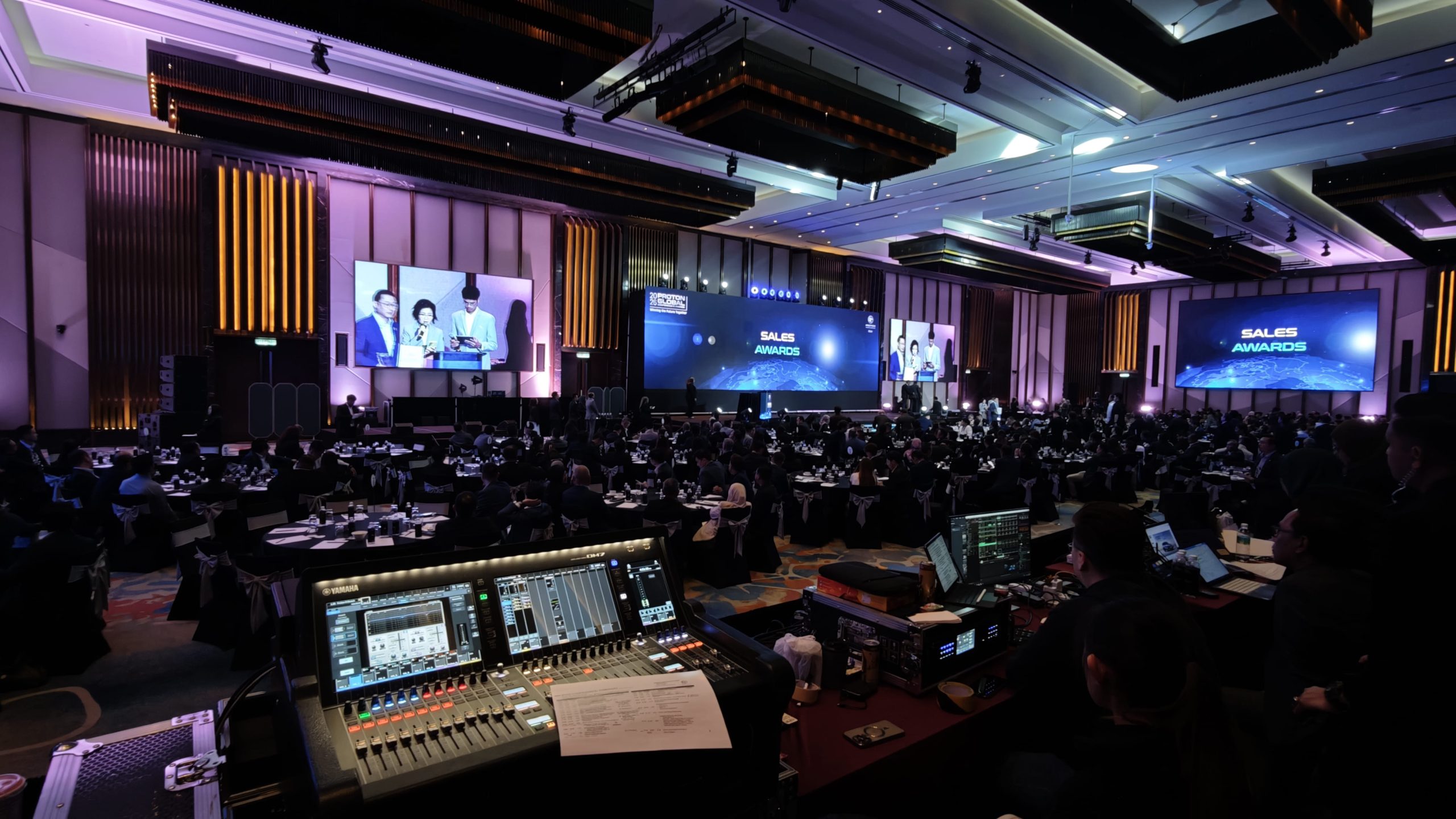 For most corporate events, clear audio should be one of the first technical priorities.
A beautiful stage is of little value if the audience cannot clearly hear the keynote speaker.
The audio system needs to account for the venue, audience size, stage layout, number of speakers and programme format.
Depending on the event, requirements may include PA speakers, wireless handheld microphones, lapel microphones, headset microphones, lectern microphones, monitors and playback systems.
Checklist
- Number of microphones confirmed
- Microphone types selected
- Wireless frequency requirements checked
- Main speaker system sized for the venue
- Stage monitors required?
- Playback audio required?
- Video audio required?
- Panel discussion audio planned?
- Audience Q&A microphone required?
- Interpretation or multiple-language audio required?
- Audio recording required?
- Sound check scheduled?
Do not wait until event day to discover that a panel requires more microphones than originally planned.
Plan the Visual System
The visual system should be selected based on what the audience needs to see.
Depending on the venue and event format, this may include LED screens, projection systems, confidence monitors, presentation displays or other digital signage.
Screen size should not simply be selected based on what looks impressive.
Audience distance, room dimensions, content type, ambient lighting and camera requirements can all affect the decision.
Checklist
- Main screen type selected
- Screen dimensions confirmed
- Audience viewing distance considered
- Presentation aspect ratio confirmed
- Video playback resolution checked
- Confidence monitor required?
- Speaker timer required?
- Additional side screens required?
- Content format confirmed
- HDMI/SDI/other signal requirements checked
- Backup presentation source prepared
For large corporate events, the visual system may also need to support multiple content sources and switching between presentations, videos, cameras and branded content.
Plan Stage Lighting
Stage lighting is not simply about making the stage brighter.
It helps the audience see speakers, performers and important moments while also contributing to the visual identity of the event.
Corporate events may require a combination of front lighting, wash lighting, backlighting, decorative lighting and programmed effects.
If cameras are being used, lighting also needs to be considered from a filming perspective.
Checklist
- Speaker faces adequately lit
- Stage coverage checked
- Background lighting planned
- Brand colours considered
- LED screen interaction considered
- Camera requirements considered
- Lighting cues identified
- Award or presentation moments planned
- Lighting control position confirmed
For a corporate event, the goal is usually controlled and consistent lighting rather than simply using as many fixtures as possible.
Check Staging, Truss and Rigging Requirements
Staging and technical structures need to be planned alongside the audiovisual equipment.
The stage may need to accommodate speakers, presenters, performers, furniture, LED screens and branding elements.
Truss may be used to support lighting, LED screens, speakers, banners or other equipment depending on the design.
However, not every venue or event can accommodate every type of structure.
Checklist
- Stage dimensions confirmed
- Stage height confirmed
- Stage access and stairs planned
- Stage skirting or finishing required?
- LED screen structure confirmed
- Truss requirements identified
- Ground support required?
- Suspended rigging required?
- Venue rigging approval confirmed
- Equipment load requirements calculated
- Structural and safety requirements reviewed
Rigging should never be treated as an afterthought. The available venue structure, approved rigging points, equipment loads and installation method all need to be considered before equipment is committed.
Review Power and Cable Management
Power is one of the less visible parts of event production, but it can have a major effect on reliability.
An event may involve LED screens, lighting fixtures, audio equipment, computers, video systems, charging stations and other electrical equipment operating simultaneously.
The production team needs to understand where power is available and how equipment will be distributed.
Checklist
- Venue power supply confirmed
- Production power requirements calculated
- Distribution plan prepared
- Cable routes identified
- Cable ramps or protection required?
- Audience walking routes protected
- Separate power requirements identified where necessary
- Backup power requirements considered
- Outdoor weather protection considered
Good cable management also improves safety and keeps the event environment professional.
Prepare Presentations and Content
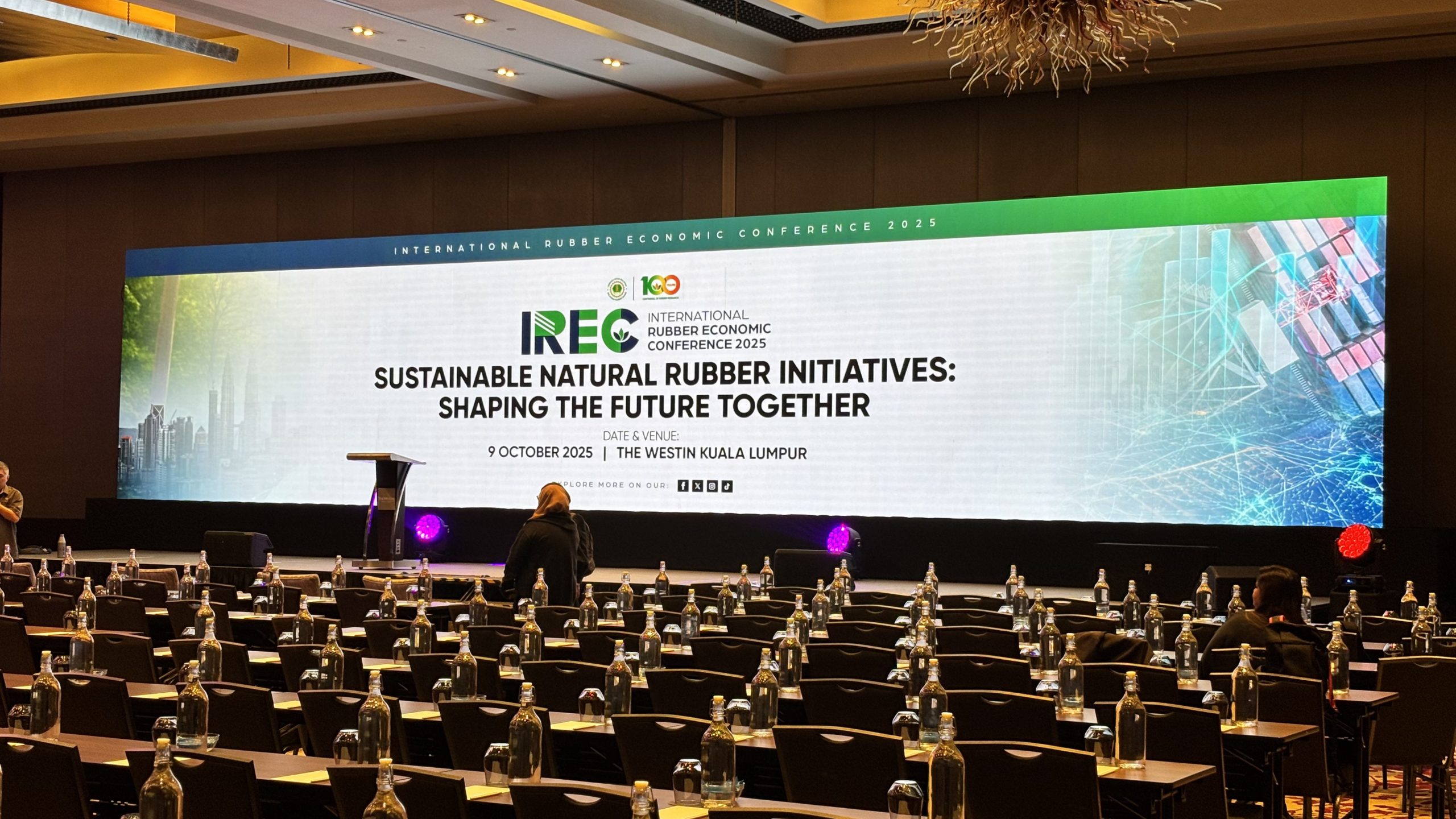 Technical equipment cannot compensate for content that is not ready.
Presentations, videos, animations and branding assets should be collected and checked before event day.
This is particularly important when multiple speakers are involved.
Checklist
- All presentations collected
- Video files tested
- Fonts and media assets checked
- Presentation aspect ratio confirmed
- Video resolution checked
- Content sequence confirmed
- Holding slides prepared
- Speaker names and titles checked
- Backup copies created
- Final presentation version locked
If a presentation contains embedded videos, unusual fonts or high-resolution media, test it on the actual playback system whenever possible.
Consider Cameras, Recording and Livestreaming
If the event will be recorded or livestreamed, production requirements become more interconnected.
Camera positions need to work with the stage layout. Lighting needs to support image quality. Audio needs to be routed into the recording or livestream system. Presentation content may need to be incorporated into the broadcast.
Checklist
- Number of cameras confirmed
- Camera positions planned
- Camera operators required?
- Presentation feed integrated
- Audio feed integrated
- Streaming platform confirmed
- Internet connection tested
- Recording requirements confirmed
- Backup recording considered
- Privacy or consent requirements reviewed
Hybrid and livestreamed events effectively create another audience. The production system needs to serve both the people in the room and those watching remotely.
Confirm Technical Crew and Responsibilities
Equipment alone does not execute an event.
Depending on the production, technical crew may be required for audio, lighting, video, LED systems, camera operation, show calling or general technical support.
Clearly define who is responsible for each system.
Checklist
- Technical lead assigned
- Audio technician assigned
- Lighting technician assigned
- Video/LED technician assigned
- Camera crew assigned if required
- Stage crew assigned if required
- Show caller or technical director assigned where necessary
- Emergency contact list prepared
- Escalation process agreed
This is particularly important when several vendors are involved. Everyone should know who makes technical decisions when something changes.
Schedule Load-In, Setup and Testing
A technically complex event cannot be installed instantly.
Equipment needs to arrive, be unloaded, assembled, connected, configured and tested.
The setup schedule should therefore be agreed with the venue and all relevant suppliers.
Checklist
- Supplier arrival time confirmed
- Loading bay booking confirmed
- Equipment delivery schedule confirmed
- Stage installation time confirmed
- Truss/rigging schedule confirmed
- LED installation schedule confirmed
- Audio setup scheduled
- Lighting setup scheduled
- Content testing scheduled
- Full technical rehearsal scheduled
- Venue handover time confirmed
Allow enough time for troubleshooting. A setup schedule that leaves no buffer can become a problem when one part of the installation takes longer than expected.
Conduct a Full Technical Rehearsal
A technical rehearsal is more than checking whether individual equipment works.
It is an opportunity to test the entire event flow.
Run through the actual programme as closely as possible.
Test the opening cue, speaker presentations, video playback, microphone changes, lighting cues, stage movements, walk-on music and closing sequence.
Checklist
- Microphones tested
- Audio playback tested
- Presentation switching tested
- Videos tested
- LED screens tested
- Lighting cues tested
- Camera feeds tested
- Livestream tested
- Speaker walk-on cues tested
- Panel microphones tested
- Award or special-effect cues tested
- Backup procedures reviewed
The objective is simple: identify technical problems while there is still time to fix them.
Prepare Backup Plans
No event production plan should depend entirely on everything going perfectly.
Prepare alternatives for the most important technical elements.
For example:
- Backup presentation laptop
- Backup presentation files
- Spare microphones or batteries
- Backup signal paths where appropriate
- Alternative communication method
- Offline copies of important content
- Contingency plans for internet failure
- Weather contingency for outdoor events
A backup plan does not mean expecting failure.
It means reducing the impact if something unexpected happens.
Complete the Event-Day Checklist
Before doors open, conduct a final technical walk-through.
Final Event-Day Checklist
- Stage is ready
- LED screens are displaying correctly
- Audio system is tested
- Microphones are ready
- Lighting is programmed
- Presentations are loaded
- Videos are tested
- Confidence monitors are working
- Cameras are positioned
- Livestream is connected
- Cables are secured
- Technical crew are in position
- Run-of-show is available
- Emergency contacts are available
- Final rehearsal completed
- Client/organiser has completed final technical check
Only after these checks are complete should the production be considered ready for the audience.
Post-Event Review
The checklist should not end when the event ends.
A short post-event review can identify issues that should be addressed before the next production.
Ask:
- What worked well?
- Were there any technical delays?
- Did the equipment meet the requirements?
- Were there unexpected venue limitations?
- Were the setup and dismantling periods sufficient?
- Did the programme change?
- Were there communication gaps?
- What should be changed for the next event?
Documenting these lessons can make future events more efficient.
A Simple Corporate Event Production Checklist
If you need a shorter version to use during planning, start with these 12 questions:
1. What is the event objective?
2. What is the event format and programme?
3. Where is the event and what are the venue restrictions?
4. How many people need to see and hear the programme?
5. What audio equipment is required?
6. What visual equipment is required?
7. What staging, lighting, truss or rigging is required?
8. What power and connectivity requirements exist?
9. Are presentations, videos and other content ready?
10. Does the event require recording or livestreaming?
11. Who is responsible for each technical system?
12. Has everything been tested and rehearsed before the audience arrives?
If you can answer these questions clearly, you already have a much stronger foundation for discussing production requirements with your suppliers.
Why Professional Event Production Services Matter
The purpose of a production checklist is not simply to make sure more equipment gets booked.
It is to make sure every technical element has a reason to be there and works as part of the overall event.
Professional event production services can help connect these requirements together — from audio and LED screens to lighting, staging, truss, presentation systems and technical crew.
This becomes particularly important when an event involves multiple technical systems, a tight setup schedule, complex venue requirements or a programme where timing is critical.
A production partner should be able to look beyond individual equipment and understand how the complete technical environment needs to function.
For corporate organisers, that can mean fewer last-minute surprises, clearer coordination with the venue and a more controlled event-day experience.
Final Thoughts
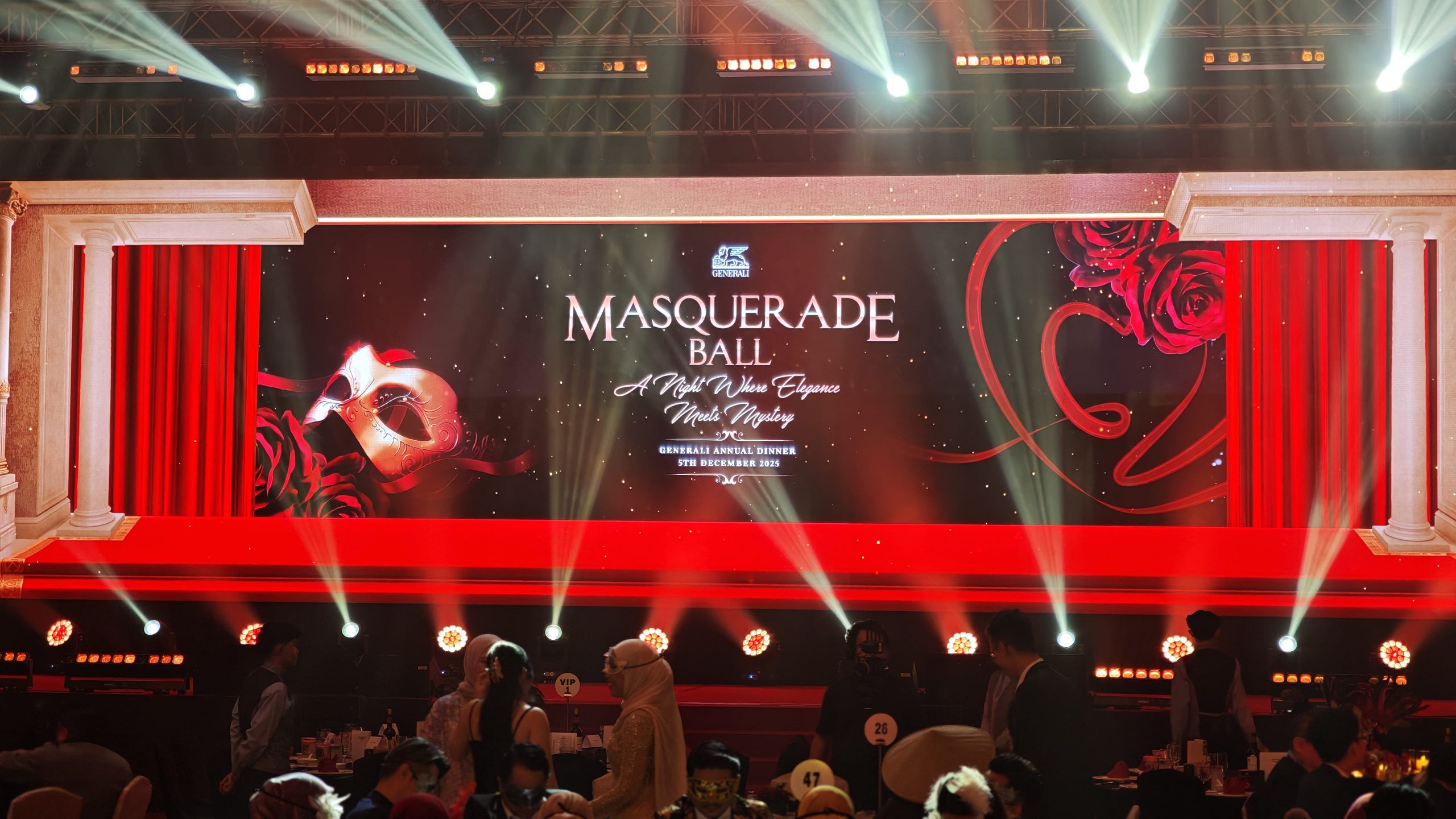 A successful corporate event is rarely the result of one piece of equipment.
It comes from many small technical decisions being made correctly and coordinated at the right time.
The microphone needs to work when the speaker walks on stage.
The presentation needs to appear when the cue is called.
The lighting needs to support the speaker and the camera.
The LED screen needs to display the correct content.
The stage needs to accommodate the programme.
And the technical team needs to know what happens next.
That is why an event production checklist is useful.
It turns technical requirements from a collection of last-minute tasks into a structured production plan.
If you are planning a corporate event, start the technical conversation early. Share the event date, venue, programme, audience size and objectives with your production partner. From there, the right technical setup can be developed around what the event actually needs — rather than trying to fit the event around available equipment.
Further Reading
- Corporate Event Production Checklist: 20 Steps to Flawless Execution
- The Complete Event Planning Checklist: A Month-by-Month Timeline
Planning Your Next Corporate Event?
DOREMi provides professional event production services covering audio, LED screens, lighting, staging, truss, projection and other technical production requirements.
Whether you are organising a corporate conference, product launch, annual dinner, award ceremony, exhibition or live event, our team can work with you to develop a production setup based on your venue, programme and event objectives.
Speak with DOREMi’s event production team to discuss your upcoming event requirements.