Planning a corporate event involves more than choosing a venue, confirming speakers and preparing a programme. The way information is heard, seen and experienced by the audience depends heavily on the audiovisual setup.
A keynote speaker needs clear, consistent audio. A presentation needs to be visible from every seat. A panel discussion may require several microphones and careful camera positioning. A product launch may need LED screens, lighting, video playback and a more immersive visual environment.
This is why choosing audio visual equipment rental should start with the event itself, rather than with a list of equipment.
The right AV setup depends on several factors, including the type of event, audience size, venue layout, content, programme requirements, budget and level of technical support required.
A small boardroom meeting and a 1,000-person corporate conference may both need microphones and screens, but the technical approach can be completely different.
Start With the Purpose of Your Corporate Event
Before selecting any equipment, define what the AV system needs to achieve.
Is the event primarily focused on presentations? Is there a panel discussion? Will executives deliver speeches? Are there live performances? Will the event be streamed online? Does the programme include a product reveal or awards presentation?
These questions determine what equipment is actually necessary.
For example, a corporate seminar may mainly require presentation displays, microphones and a suitable sound system. A product launch may place greater emphasis on LED screens, lighting, video playback and visual effects.
The first step in audio visual equipment rental is therefore to understand the programme.
A useful starting point is to list every moment where technology is involved.
Consider:
- Keynote presentations
- Panel discussions
- Video playback
- Live performances
- Product demonstrations
- Awards presentations
- Audience Q&A
- Remote speakers
- Live streaming
- Event recording
- Walk-in music
- Opening and closing sequences
Once these requirements are identified, the equipment list becomes much easier to develop.
Consider the Venue Before Choosing Equipment
The same AV system will not necessarily work equally well in every venue.
Room dimensions, ceiling height, acoustics, ambient lighting, seating arrangement, available power and access routes can all affect technical planning.
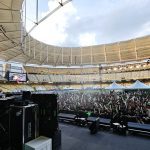
A ballroom, hotel meeting room, exhibition hall and outdoor space each create different requirements.
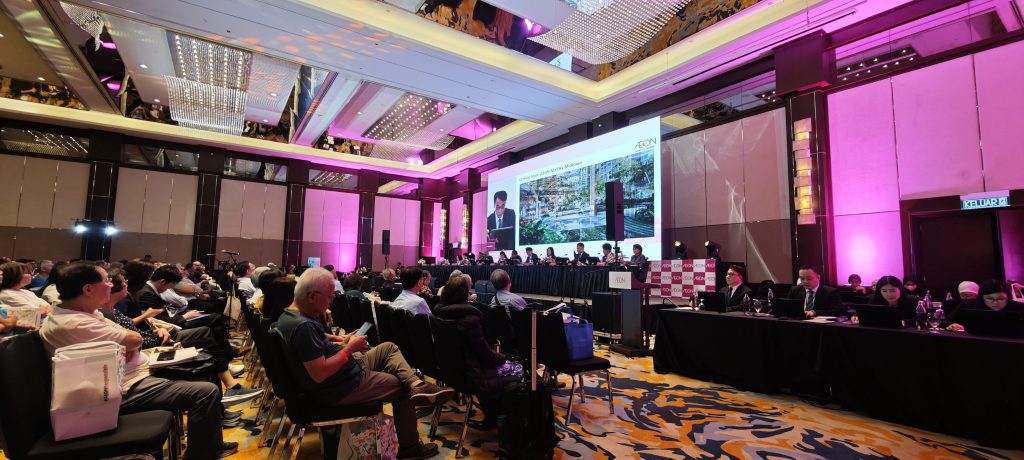
For example, a large room may require a distributed sound system to provide consistent coverage across the audience. A room with bright ambient lighting may require a brighter display solution. A venue with challenging acoustics may require more careful loudspeaker placement and audio processing.
The two reference guides both highlight venue assessment as an important part of AV selection, including room layout, acoustics, lighting and available power.
This is why a site visit can be valuable before finalising audio visual equipment rental.
The technical team can evaluate the actual environment instead of making decisions based only on a floor plan.
Match the AV System to Your Audience Size
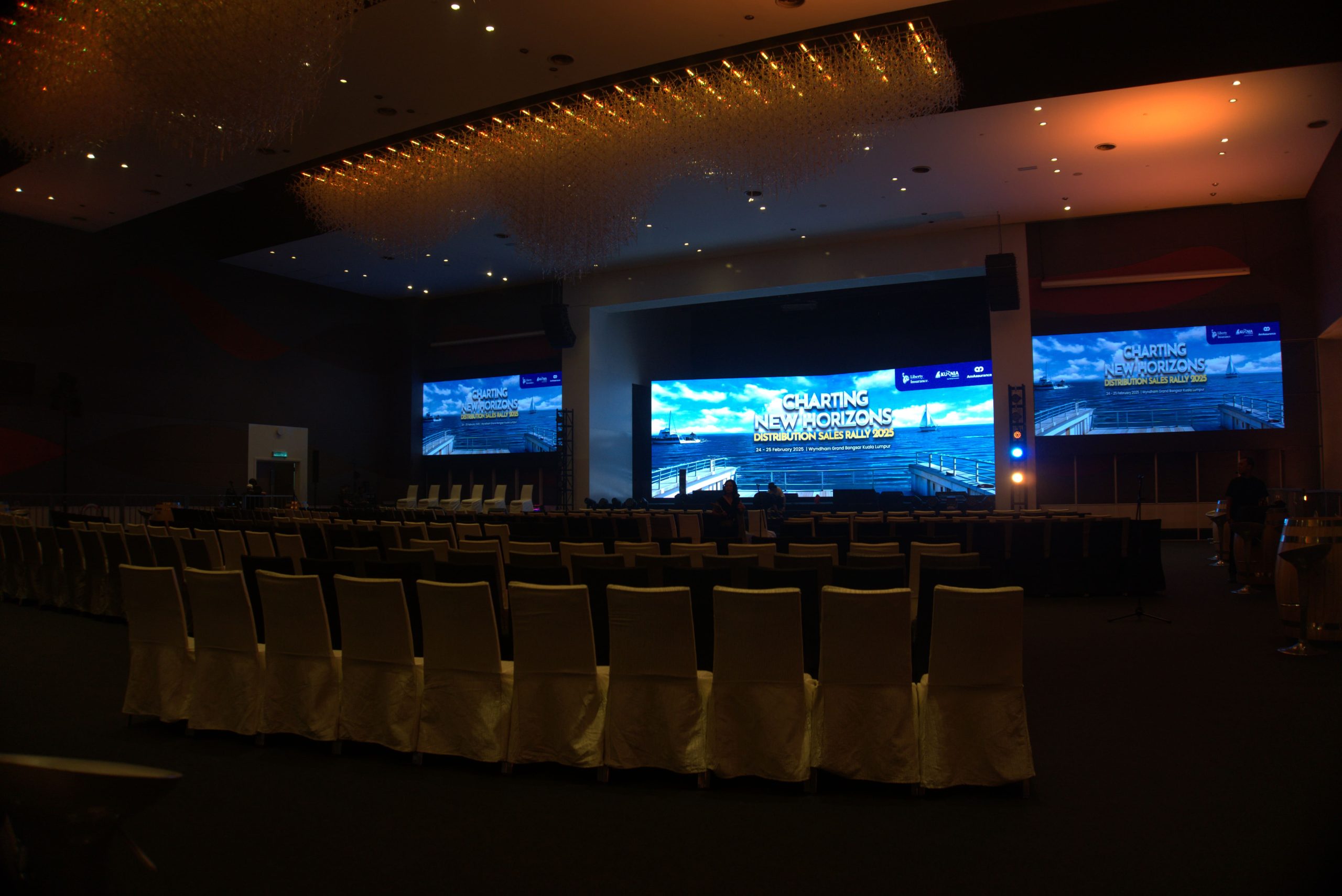 Audience size is another important factor.
A microphone that works perfectly in a small meeting room does not automatically mean the overall audio system is suitable for a larger conference.
The objective is not simply to make the event loud.
It is to make the programme clear and intelligible for the entire audience.
For a small corporate meeting, a compact speaker system may be sufficient.
For a larger conference, the system may require additional loudspeakers, front fills or other coverage solutions depending on the venue.
The same principle applies to visual equipment.
A small screen may be perfectly suitable for a boardroom presentation but difficult to read from the back of a large ballroom.
When planning audio visual equipment rental, the question should therefore be:
Can everyone see and hear what they need to see and hear?
That is more useful than simply asking how powerful or expensive the equipment is.
Choosing the Right Audio Equipment
Audio is one of the most important parts of a corporate event because poor sound can immediately affect the audience experience.
The appropriate equipment depends on the programme.
Microphones
Different sessions may require different microphone types.
A keynote speaker may use a wireless handheld or lapel microphone.
A panel discussion may require several wireless microphones, with each panellist and moderator needing reliable access to a microphone.
A Q&A session may require additional handheld microphones for audience members.
The microphone selection should also consider how the speaker moves.
A presenter who walks around the stage may need a hands-free option, while a seated panel may be better suited to microphones positioned for consistent pickup.
Speakers
Speaker selection depends on the venue, audience size and required coverage.
The goal is even and intelligible sound rather than excessive volume.
A technical team should consider where the audience is seated, where the speakers are positioned and whether different areas require additional coverage.
Mixing and Audio Processing
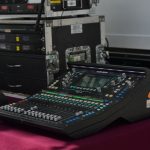
The mixing console is responsible for managing multiple audio sources.
A conference might have microphones, presentation audio, video playback, walk-in music and remote participants.
Each source needs to be controlled and balanced.
This becomes increasingly important as the programme becomes more complex.
Choosing the Right Display
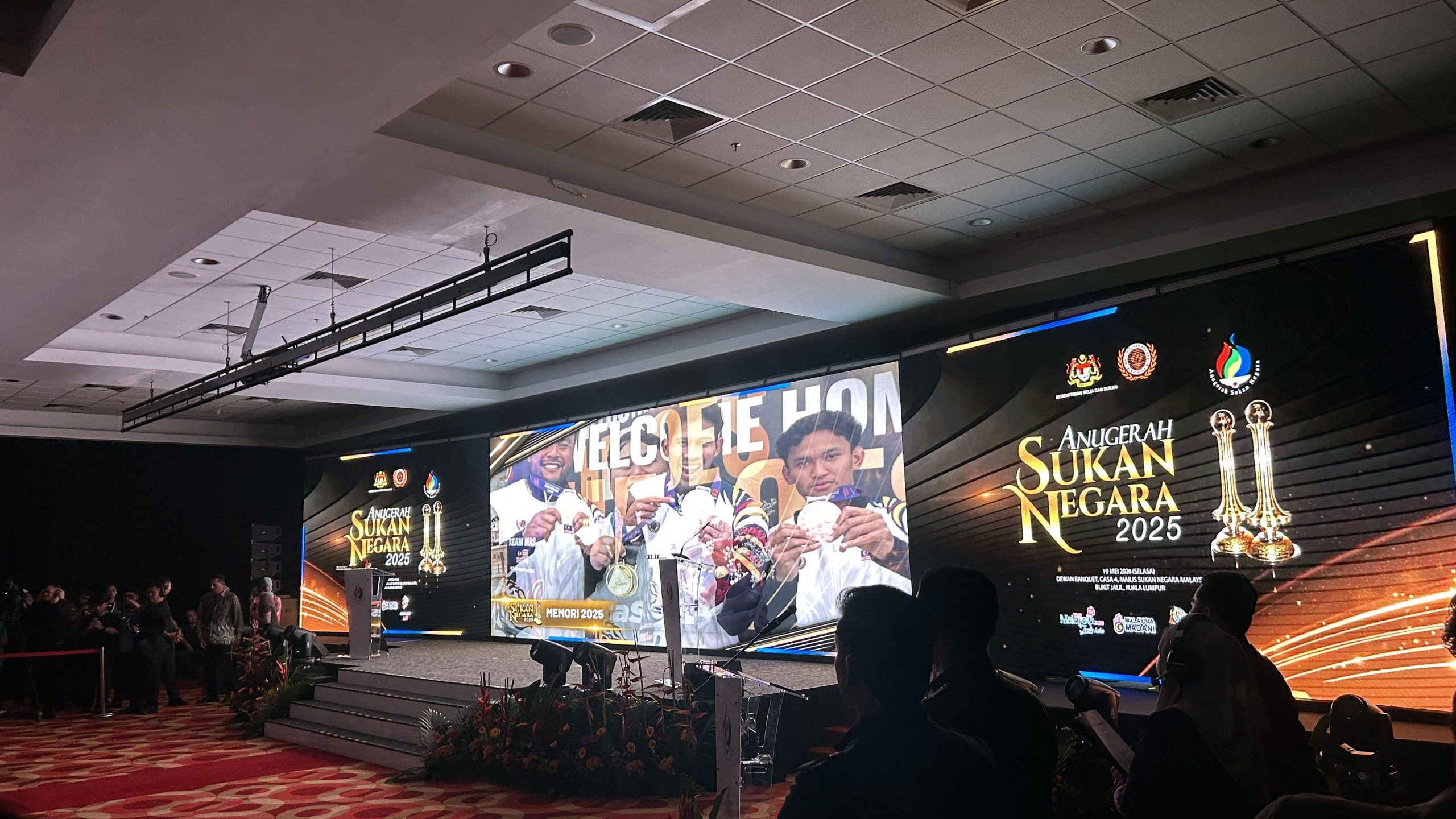 Visual equipment is another major part of corporate audio visual equipment rental.
The appropriate display solution depends on the content, venue and viewing distance.
Common options include:
- LED screens
- Projection systems
- LCD or professional displays
- Confidence monitors
- Stage displays
- Presentation monitors
LED Screens
LED screens are often useful for large corporate events because they can provide bright, high-impact visuals.
They are particularly suitable when the stage needs to display presentations, branding, videos, graphics or live camera feeds.
Projection
Projection can still be useful where a large image is required and venue conditions are appropriate.
However, ambient light, projection distance, screen size and content brightness need to be considered.
Confidence Monitors
A confidence monitor allows presenters to see presentation content without turning toward the main screen.
This can be particularly useful for keynote speeches and presentations where the speaker needs to maintain audience engagement.
Choosing the display should therefore involve more than asking whether an LED screen or projector is available.
The technical team needs to consider what the audience will actually see.
Don’t Forget Presentation Compatibility
A corporate presentation may look simple from the audience’s perspective.
Behind the scenes, however, there can be several potential connection points.
Presenters may arrive with different laptops, presentation formats and connection requirements.
A technical setup may need to accommodate:
- HDMI
- USB-C
- Wireless presentation
- Presentation laptops
- Video playback
- Slide clickers
- Remote presentation feeds
- Camera feeds
- Playback computers
Compatibility should be checked before the event.
A presentation that looks perfect on the organiser’s laptop still needs to be tested through the actual event signal chain.
This is one reason professional audio visual equipment rental should include technical preparation rather than simply equipment delivery.
Consider Lighting as Part of the AV Experience
Lighting is sometimes treated as a decorative element.
For corporate events, however, it can also serve practical and visual functions.
Stage lighting helps ensure speakers are visible.
Profile lights can focus attention on presenters or products.
LED washes can support branding and the overall event environment.
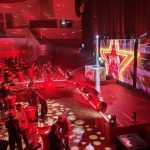
Moving lights and programmed effects may be appropriate for product launches, awards ceremonies or entertainment segments.
Lighting also needs to work alongside cameras.
A room that looks acceptable to the audience may not necessarily produce the best image for photography, recording or live streaming.
The lighting system should therefore be planned according to the event’s visual requirements.
Plan for Cameras and Live Video
Corporate events increasingly use cameras for more than recording.
A camera system may support:
- Live streaming
- IMAG or live camera feed to LED screens
- Event recording
- Speaker close-ups
- Product demonstrations
- Interviews
- Social media content
If cameras are required, they need to be considered during the initial AV planning process.
Camera positions can affect stage layout, audience sightlines and technical control areas.
For live feeds, the video signal also needs to move reliably from the camera to the production system and then to the display or streaming platform.
This means video production should not be treated as an independent add-on.
It needs to integrate with the rest of the AV system.
Think About the Event Programme
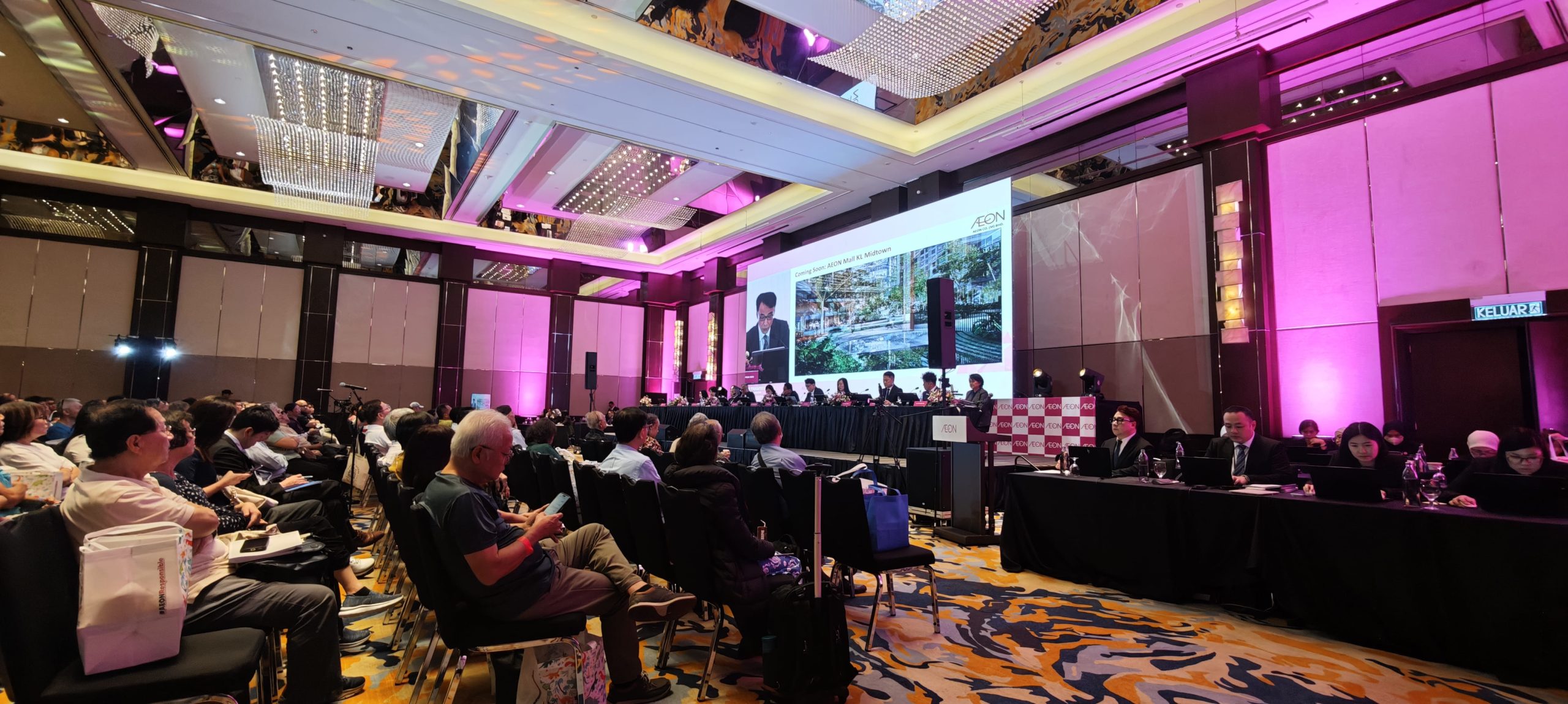 The AV requirements can change throughout the same corporate event.
A morning conference may begin with keynote presentations.
Then the programme moves into panel discussions.
After lunch, there may be a product demonstration.
Later, the event could finish with an awards ceremony or networking session.
The equipment may remain largely the same, but how it is used changes.
This means the production team should understand the run of show.
For example:
Opening
Music → lighting cue → presentation screen → host microphone
Keynote
Presenter microphone → presentation content → confidence monitor
Panel
Multiple microphones → stage lighting → presentation or branding screen
Product Reveal
Video playback → lighting cue → product focus → music
Closing
Final presentation → walk-out music → lighting transition
The more the AV team understands the programme, the easier it becomes to prepare the system around it.
Consider Power and Cable Management
Power requirements should be considered before equipment arrives.
A corporate event may use LED screens, sound systems, lighting, laptops, cameras, control equipment and other technical devices simultaneously.
The technical team should understand where power is available and how equipment will be distributed.
Cable management is equally important.
Cables may need to travel between the stage, control position, speakers, displays and other technical areas.
They should be routed safely without interfering with audience movement.
For larger productions, power distribution and cable planning should form part of the technical design rather than being solved at the last minute.
Think About Technical Support, Not Just Equipment
One of the biggest differences between equipment rental and full technical support is what happens after the equipment arrives.
A corporate event can have a technically capable system but still experience problems if nobody is responsible for operating it.
Someone may need to:
- Operate the audio system
- Manage presentation playback
- Switch camera feeds
- Control lighting
- Monitor microphones
- Assist presenters
- Troubleshoot technical issues
- Coordinate show cues
The requirement depends on the event.
A small meeting may only need basic technical assistance.
A multi-session conference may require several operators.
A product launch with live video, lighting cues and multiple playback sources may require a more comprehensive production team.
When comparing audio visual equipment rental providers, ask what technical support is included in the quotation.
Always Include a Rehearsal or Technical Test
Testing is one of the simplest ways to reduce technical surprises.
The objective is not only to turn equipment on.
The entire event workflow should be tested.
That can include:
- Microphone checks
- Presentation playback
- Video playback
- Screen output
- Camera feeds
- Lighting cues
- Audio playback
- Remote speakers
- Streaming connections
- Presenter laptops
- Confidence monitors
- Show cues
Where possible, presenters should also be involved.
A technical rehearsal allows the team to identify problems before the audience enters the room.
LSAV recommends equipment testing, rehearsals and run-throughs covering different event scenarios before the event begins.
Corporate AV planning should therefore include rehearsal time rather than treating it as optional if the schedule allows.
Have a Backup Plan
Professional AV planning should also consider what happens if something does not work as expected.
This does not mean duplicating every piece of equipment.
The appropriate backup depends on the importance of the system and the event.
Examples may include:
- Spare microphones
- Backup presentation laptops
- Additional cables and adapters
- Backup playback sources
- Redundant signal paths
- Spare batteries
- Alternative presentation files
- Backup internet connectivity for streaming
The most important question is:
What happens if this component fails during the event?
For critical systems, the answer should be considered before show day.
Corporate AV planning guides commonly recommend contingency plans and backup equipment to reduce downtime when technical issues occur.
Balance Your Budget Around What Matters Most
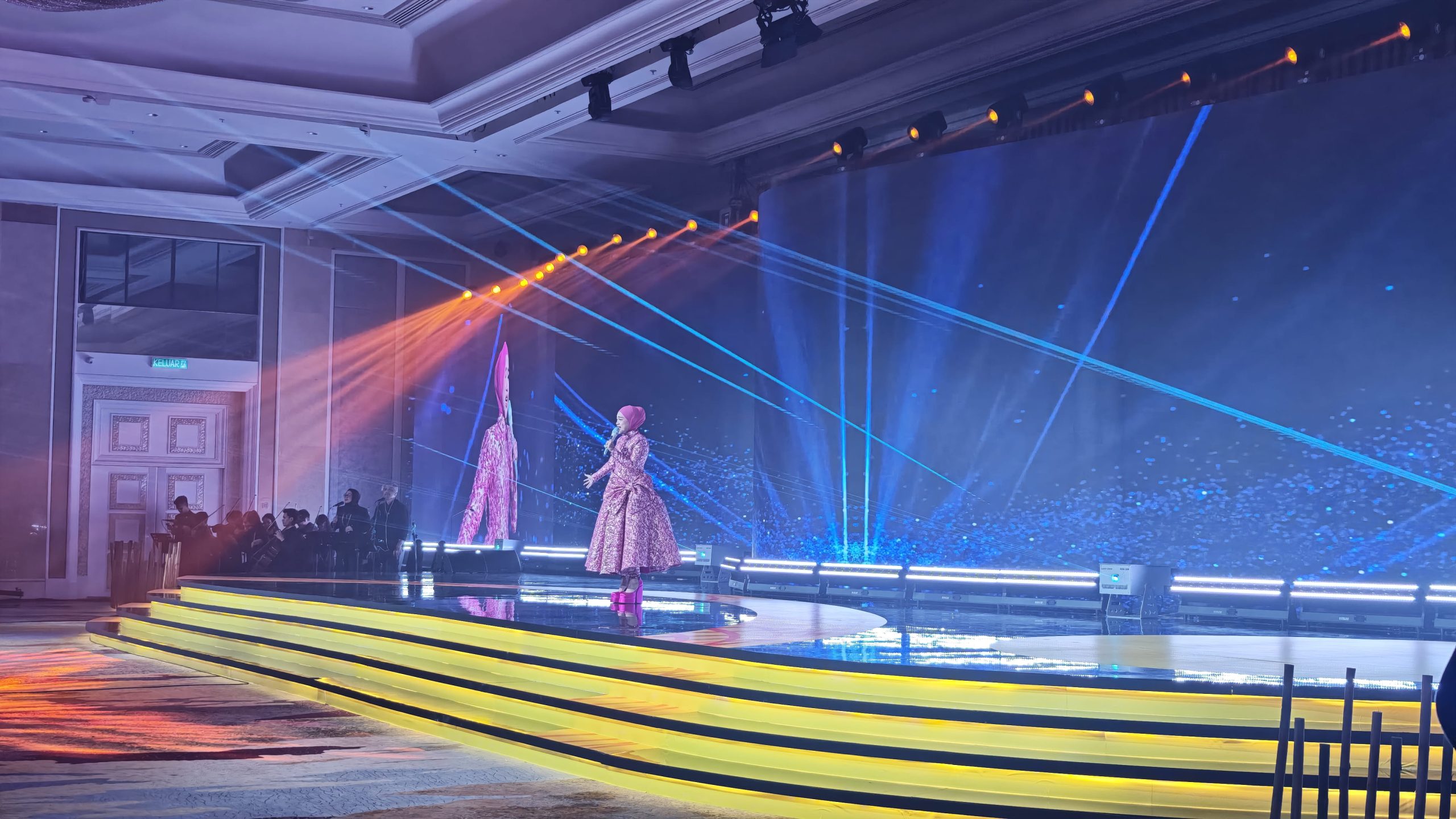 Budget is naturally part of every corporate event.
However, the cheapest equipment package is not necessarily the most suitable.
Instead of asking for the lowest possible quotation, divide your requirements into priorities.
Essential
Equipment that directly affects whether the audience can hear or see the programme.
Important
Equipment that improves presentation quality, branding or operational efficiency.
Enhancement
Additional technology that improves atmosphere or audience experience but is not essential to the core programme.
For example, a conference may prioritise sound coverage, microphones and presentation displays before adding complex visual effects.
A product launch may place more emphasis on LED screens, lighting and video playback.
Budget allocation should therefore follow the event objective.
The right audio visual equipment rental solution is not necessarily the largest package. It is the package that provides the required performance without adding unnecessary equipment.
What to Ask an AV Rental Company
Before confirming your provider, ask practical questions rather than comparing equipment names alone.
1. Have you worked with similar events?
Experience with conferences, product launches, seminars or gala dinners can be relevant depending on your event.
2. Will you conduct a site assessment?
A site visit can identify venue-specific requirements before the event.
3. What is included in the quotation?
Check whether delivery, setup, dismantling, operators, rehearsal and technical support are included.
4. Who will operate the equipment?
Find out whether technicians will be present during the event.
5. What happens if equipment fails?
Ask about backup equipment and contingency procedures.
6. Can you support the full technical setup?
If your event requires sound, screens, lighting, cameras and staging, an integrated provider may simplify coordination.
7. How early should we confirm the requirements?
Complex events require more planning, particularly when venue access, custom setups, multiple systems or rehearsals are involved.
A Simple AV Selection Checklist
Before finalising your audio visual equipment rental, confirm:
| Requirement | Questions to Ask |
| Event type | What is the programme? |
| Audience | How many people will attend? |
| Venue | What are the room dimensions and layout? |
| Audio | How many speakers and microphones are required? |
| Visuals | What must the audience see? |
| Presentation | What devices and formats will presenters use? |
| Lighting | What needs to be illuminated or highlighted? |
| Video | Are cameras, recording or live feeds required? |
| Power | Where will technical equipment get power? |
| Internet | Is streaming or online participation required? |
| Crew | Who will operate the systems? |
| Rehearsal | When can the technical team test everything? |
| Backup | What happens if a critical component fails? |
| Schedule | How much time is available for setup and testing? |
This checklist gives organisers a starting point before requesting a quotation.
Why Integrated AV Planning Makes a Difference
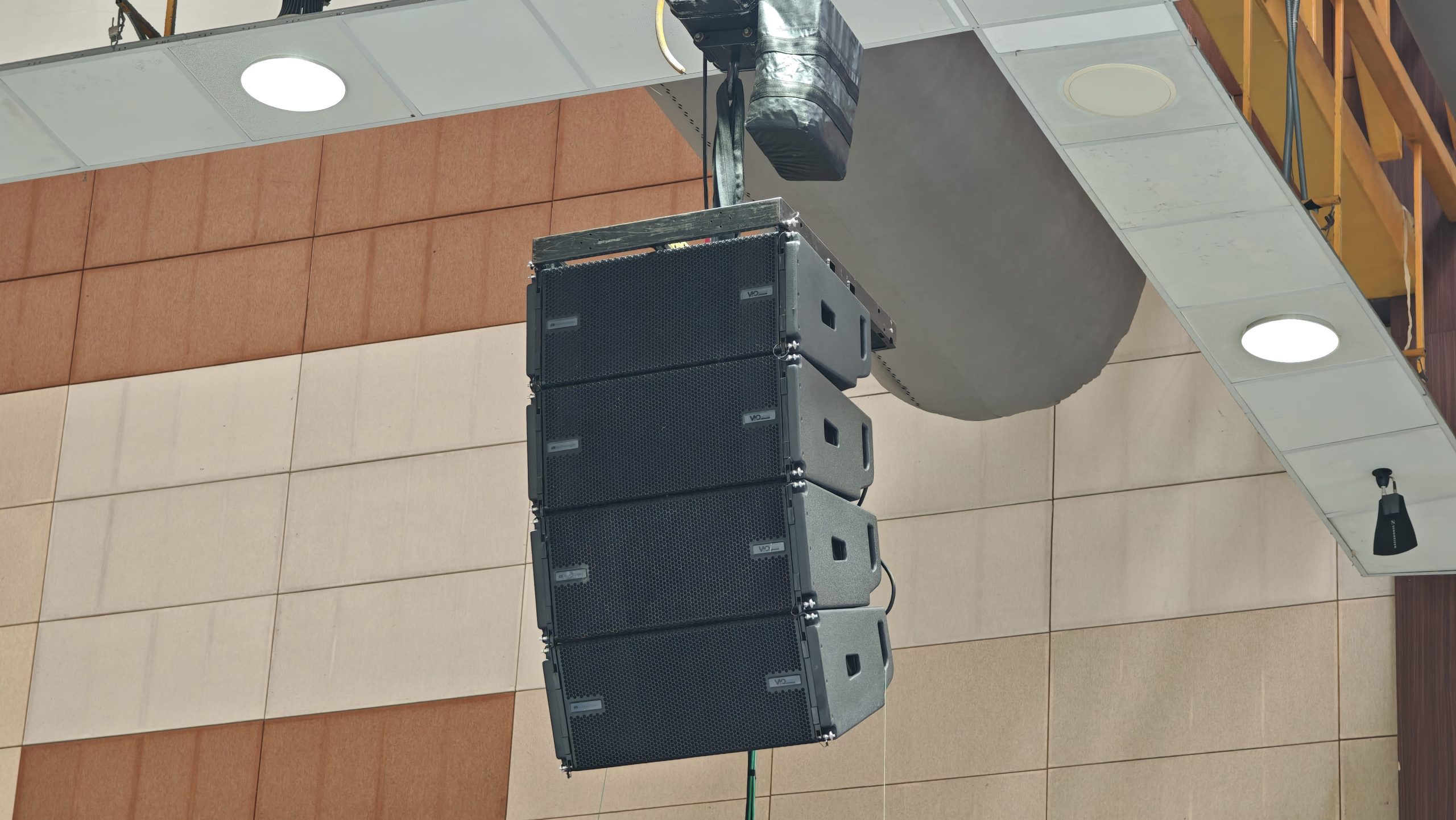 The different AV systems at a corporate event do not operate independently.
Audio affects microphones and presentations.
Video affects cameras and LED screens.
Lighting affects both the audience experience and camera image.
Stage design affects speaker positions and sightlines.
Power and cable management affect where equipment can be installed.
The result is an interconnected technical system.
This is why choosing audio visual equipment rental based purely on individual equipment prices can sometimes create gaps between systems.
An integrated approach considers the event as one production.
Instead of asking:
“How much is an LED screen?”
the better question may be:
“What display solution will provide clear visibility for our audience and integrate with our presentation and camera requirements?”
Instead of asking:
“How many speakers do we need?”
consider:
“How should the sound system cover the audience evenly in this venue?”
The equipment becomes the answer to the technical requirement, rather than the starting point.
Frequently Asked Questions
What AV equipment is normally needed for a corporate event?
It depends on the event. Common requirements include microphones, speakers, mixing consoles, LED screens or projectors, presentation equipment, lighting, cameras and technical control systems.
How do I choose between an LED screen and projector?
Consider the venue’s ambient lighting, screen size, viewing distance, content and stage design. LED screens can provide strong brightness and visual impact, while projection may be suitable for certain presentation environments.
Do I need a technician for a corporate event?
Not every event requires the same level of technical staffing. A simple meeting may need limited support, while conferences, product launches and multi-system productions can benefit from dedicated technicians to operate and monitor the equipment.
Should I test the AV equipment before the event?
Yes. Equipment should be tested using the actual presentation content, microphones, video sources and programme cues where possible. A rehearsal can also help presenters and technical staff identify issues before the audience arrives.
How early should I arrange audio visual equipment rental?
The timeline depends on the size and complexity of the event. Larger conferences, product launches and multi-system productions generally require earlier technical planning because they may involve site surveys, equipment coordination, custom layouts, rehearsals and multiple technical teams.
Further Reading
Corporate AV – How to Choose the Right Audio-Visual Equipment for Your Event
A practical guide covering event requirements, venue considerations, audio and visual equipment, lighting, site visits, testing and backup planning. Corporate AV – How to Choose the Right Audio-Visual Equipment for Your Event
LSAV – How Do I Choose the Right AV Equipment for My Event?
Covers event requirements, venue assessment, budgeting, core AV components, technical support, logistics, testing and rehearsals. LSAV – How Do I Choose the Right AV Equipment for My Event?
Planning Audio Visual Equipment Rental for Your Corporate Event?
A successful corporate event does not necessarily require the most equipment. It requires the right equipment, correctly planned and properly operated.
DOREMi provides professional audio visual equipment rental solutions for corporate events, conferences, seminars, product launches, exhibitions and other live productions.
Solutions can be planned around your venue, audience, programme and technical requirements, covering systems such as sound, LED screens, projection, lighting and other AV equipment, together with technical support where required.
From a focused corporate meeting to a large-scale conference or product launch, the AV system should be designed around what your audience needs to see, hear and experience.
Speak with DOREMi’s event technology specialists to plan an audio visual equipment rental solution that fits your corporate event—from initial technical planning through setup, testing and show day.