Planning a corporate event involves more technical decisions than many organisers initially expect.
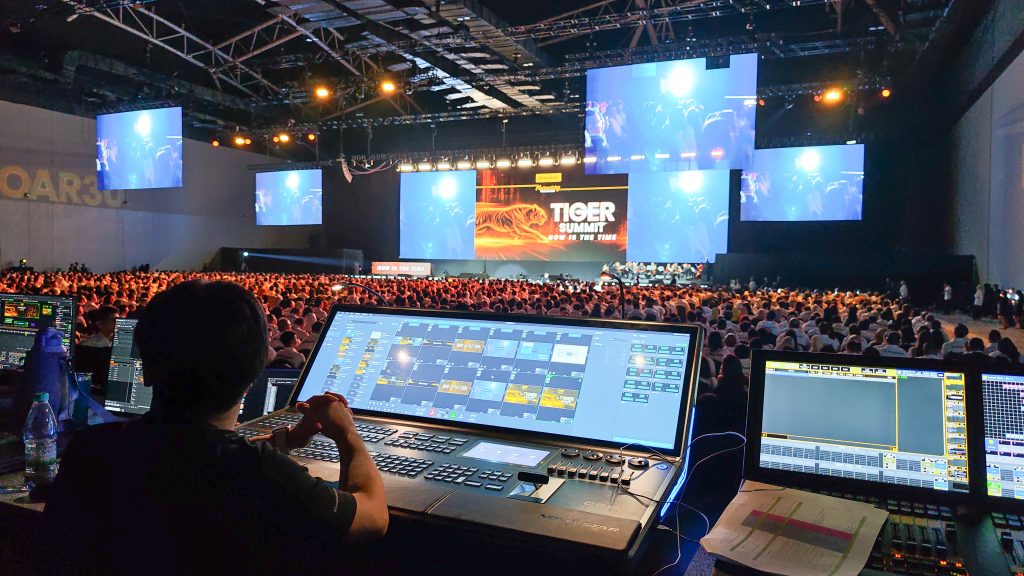
A presentation may require an LED screen, microphones, speakers, lighting and a laptop. A conference may need several screens, multiple microphones, video playback, live camera feeds and a technical team coordinating everything behind the scenes.
The challenge is knowing what is actually required, how the different systems work together and what needs to be prepared before the event begins.
For corporate clients, event technology should not make planning more complicated. It should help deliver a smoother programme, clearer communication and a better experience for the audience.
At DOREMi, event technology and production planning involve understanding the event’s objectives, venue, audience and programme before determining the appropriate technical setup. Whether an organisation is planning a corporate conference, annual dinner, product launch, exhibition or hybrid event, asking the right questions early can help avoid unnecessary costs and last-minute complications.
Here are some of the most important event technology questions corporate organisers should consider when planning their next event.
What Event Technology Do We Actually Need?
This is often the best place to start.
Corporate clients may initially request specific equipment because they have seen it used at another event. However, the equipment that works for one programme may not be necessary or suitable for another.
The right setup depends on what the event needs to achieve.
For a small management meeting, a display screen, presentation laptop and a few microphones may be sufficient. A conference with several hundred attendees may require larger LED screens, a professional sound system, stage lighting and additional technical support.
A product launch may need carefully coordinated video playback, lighting cues and a large LED display to support the reveal. A hybrid conference may also require cameras, video switching, streaming equipment and reliable internet connectivity.
Before selecting equipment, consider three questions:
- What does the audience need to see and hear?
- What activities will take place during the programme?
- What technical requirements are necessary to deliver those activities?
Once these requirements are clear, the event technology provider can recommend a suitable configuration instead of simply supplying a list of equipment.
The objective is not to use the most technology possible. It is to use the right technology for the event.
How Do We Know Which LED Screen Is Suitable?
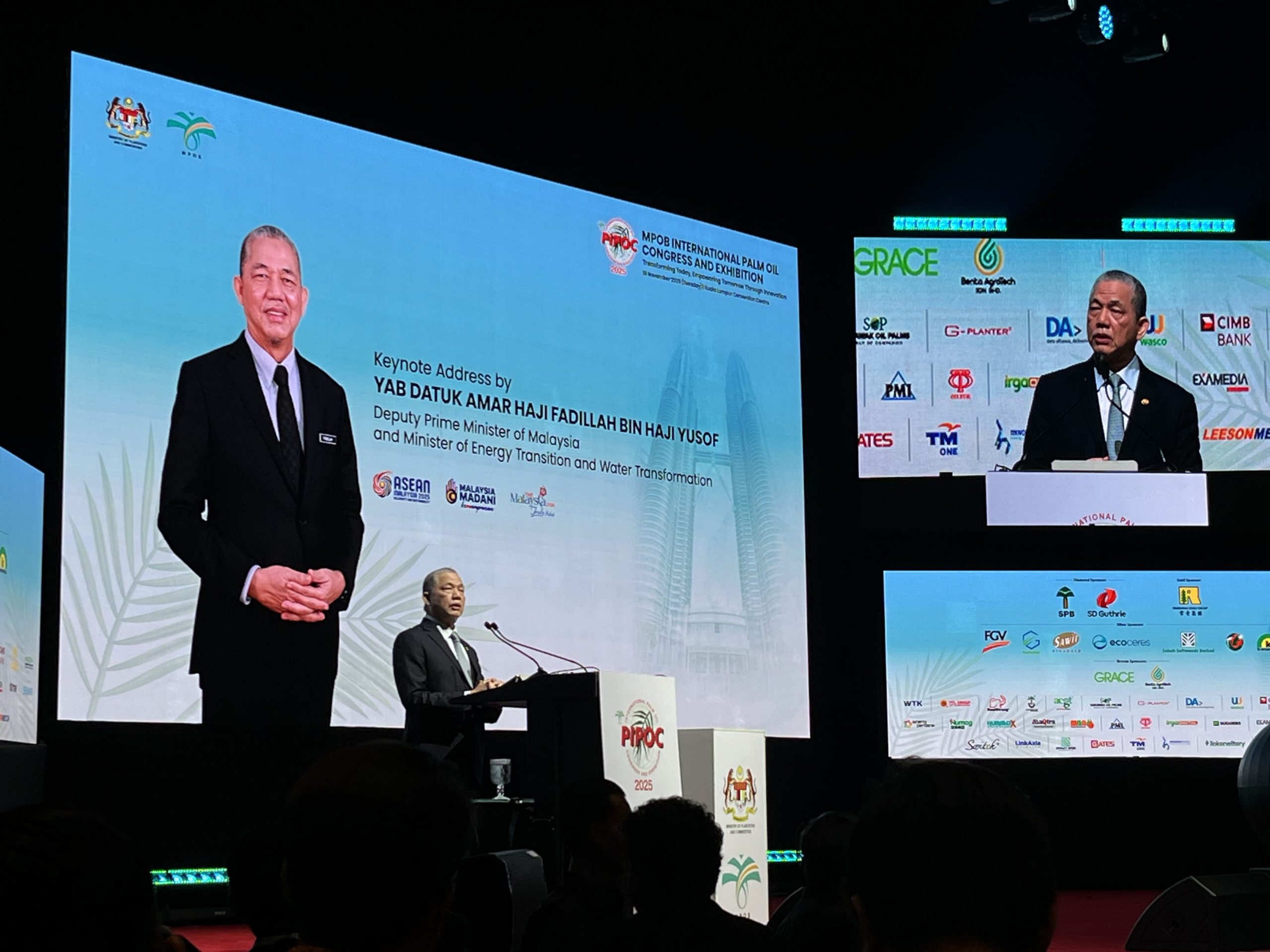 LED screens are widely used at corporate conferences, town halls, exhibitions and product launches. However, selecting one involves more than deciding how large it should look on stage.
The screen must be suitable for the venue, audience and content.
One important consideration is viewing distance. If attendees are seated far from the stage, the display needs to be large enough for them to follow presentations comfortably. If the audience sits close to the screen, pixel pitch becomes more important because it affects how finely the image appears at that distance.
The content also matters. A screen displaying simple branding may have different requirements from one showing financial charts, detailed presentation slides or live camera footage.
Other factors include ambient lighting, screen placement, aspect ratio, available space and how the display integrates with the stage.
For example, a company hosting a leadership conference might need a wide central LED screen for presentations, while a product launch may benefit from a screen configuration designed around a particular reveal sequence.
Corporate organisers should provide the event technology team with the venue dimensions, audience layout, content requirements and approximate viewing distances before confirming the screen specification.
For more detailed planning, read DOREMi’s related article on LED screen viewing distance and pixel pitch.
Do We Need a Projector or an LED Screen?
Both technologies can support presentations, but they work differently.
A projector casts an image onto a screen or suitable surface. An LED screen produces images through its own display panels.
A projector may be appropriate for a meeting room, seminar or conference where the venue’s lighting conditions and projection surface are suitable. LED screens can be useful when organisers need a bright, self-emissive display, flexible screen dimensions or a visual centrepiece for the stage.
The choice depends on the environment and intended use.
Consider the venue’s ambient light, the size of the image, the viewing distance, the type of content and the available installation space. Budget is also important, particularly when the event requires multiple displays or a more elaborate stage design.
Neither option is automatically better for every event.
An experienced AV provider can assess the requirements and explain the trade-offs before recommending a solution. The goal is to ensure that the presentation remains clear and appropriate for the audience.
How Can We Make Sure Everyone Can Hear the Speaker Clearly?
Audio is one of the most important parts of a corporate event because even excellent visual content becomes less effective when attendees cannot hear the speaker properly.
A sound system should be selected according to the venue, audience size, room layout and programme format.
A boardroom meeting may require only a few microphones and compact speakers. A conference with a large audience may need a more extensive loudspeaker system to provide consistent coverage throughout the room.
Microphone selection also matters. A handheld microphone may suit audience questions, while a lapel or headset microphone may be more appropriate for a presenter who needs to move around the stage.
Panel discussions introduce additional considerations because several speakers may need microphones at the same time. The team must also manage microphone levels, speaker placement and the risk of feedback.
For presentations that include videos, the sound system must reproduce playback audio clearly as well as speech.
Organisers should also ask whether a sound check is included and whether a technician will remain available during the event.
A suitable sound system is not simply the loudest one. It is a system designed to make speech and other audio clear for the intended audience.
Why Do We Need a Technical Rehearsal?
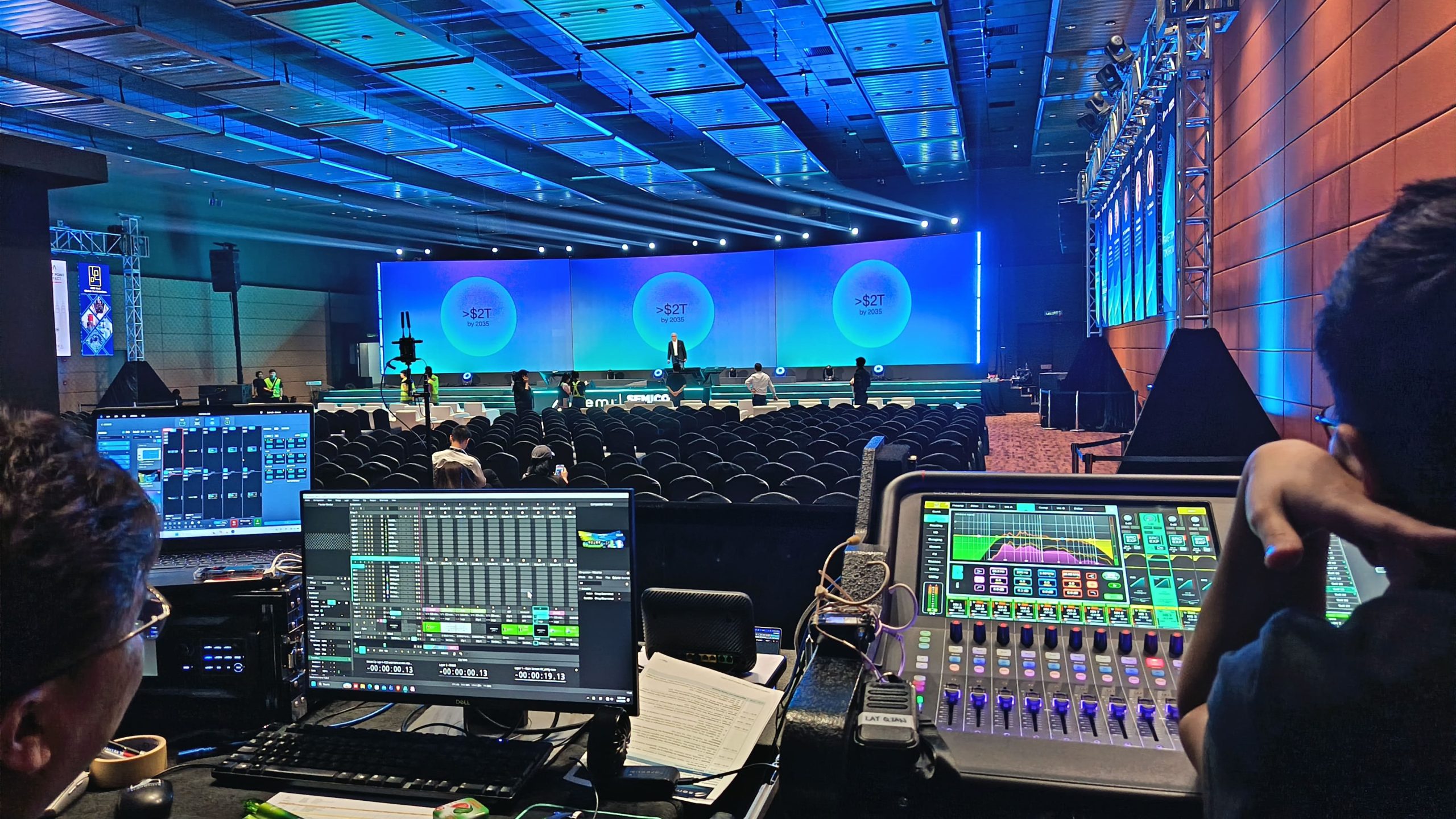 A rehearsal allows the production team to check how the equipment, presenters and programme work together before the audience arrives.
Even when all equipment has been installed correctly, problems can occur if content has not been tested or the programme changes at the last minute.
A presentation laptop may use an incompatible output setting. A video may have the wrong aspect ratio. A microphone may need adjustment. A lighting cue may occur too early or a speaker may not know where to stand.
These issues are easier to identify during rehearsal than during a live presentation.
A technical rehearsal can include:
- Testing presentation slides and video playback.
- Checking microphones and speaker coverage.
- Confirming LED screen content and signal connections.
- Testing lighting cues and stage positions.
- Rehearsing transitions between speakers or programme segments.
- Checking live camera feeds or streaming connections, where applicable.
The level of rehearsal required depends on the complexity of the event. A straightforward meeting may need a shorter technical check, while a product launch with multiple video sequences and timed reveals may require a more structured run-through.
Corporate organisers should confirm the setup and rehearsal schedule with the event technology provider before the event day.
What Happens If Something Goes Wrong During the Event?
No technical setup can eliminate every possible problem. What matters is how the team prepares for and responds to issues.
A presentation may stop playing, a microphone may develop a fault, a signal connection may fail or an unexpected change may affect the programme.
Risk can be reduced through preparation, testing and suitable contingency planning.
Depending on the event, this might include spare microphones, backup playback files, alternative signal connections, spare cables or a plan for switching to another presentation source.
For critical presentations, organisers should also keep accessible copies of the approved presentation and video files.
Technical staffing is another important consideration. If a problem occurs, someone needs to identify the cause and coordinate the response without unnecessarily disrupting the programme.
When discussing event technology, ask the provider what backup arrangements are appropriate for the equipment and programme, which technical personnel will be present and how problems will be escalated.
The right contingency plan depends on the risks involved. A small internal briefing and a high-profile product launch do not necessarily require the same level of redundancy.
How Early Should We Book Event Technology?
The ideal booking timeline depends on the size and complexity of the event.
A small corporate meeting may have relatively straightforward requirements. A large conference, exhibition or product launch may require more preparation because several technical systems, venue arrangements and programme elements must be coordinated.
Booking early gives the organiser more time to assess the venue, confirm equipment availability, plan the stage layout, prepare content and arrange rehearsals.
A practical starting point is to discuss large or complex events several months in advance, especially when they involve extensive staging, multiple LED screens, hybrid broadcasting or complicated production schedules.
For smaller events, the timeline may be shorter, depending on the provider’s availability and the requirements.
Even when some details remain unconfirmed, organisers can begin with the information they already know: the event date, venue, estimated audience, programme format and initial technical requirements.
These details provide a useful starting point for planning.
For a more detailed timeline, see DOREMi’s guide on how early to book audio visual equipment rental.
What Information Should We Give the AV Provider?
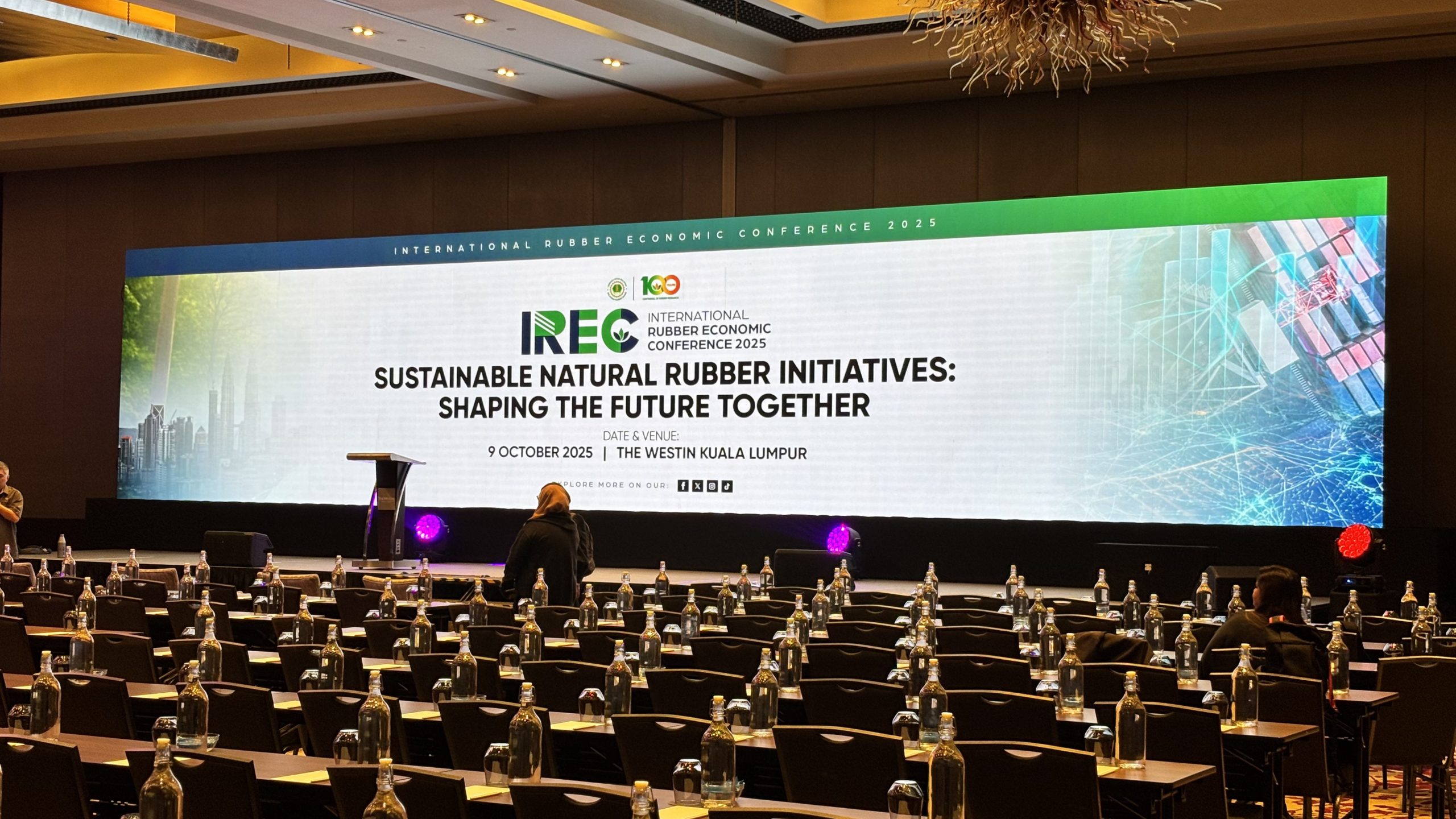 A clear brief helps the provider recommend the right equipment and identify potential issues before the event.
Organisers do not need to understand every technical specification before making contact. They should, however, provide enough information for the technical team to understand the event.
Useful details include:
Event information: Date, venue, programme duration, event format and expected attendance.
Venue details: Room dimensions, ceiling height, floor plan, access restrictions, available power and any venue-specific technical requirements.
Programme requirements: Speaker numbers, panel discussions, presentation slides, video playback, performances, audience interaction and live streaming.
Visual requirements: LED screens, projection, branding, live camera feeds and other display needs.
Audio requirements: Number of microphones, playback audio, panel microphones and any special sound requirements.
Schedule: Setup access, rehearsal time, event start, programme transitions and pack-down deadline.
If the organiser has a floor plan, event brief or draft programme, sharing it can help the provider understand the requirements more accurately.
A detailed brief also makes it easier to compare quotations because different providers can assess the same scope.
How Much Should We Budget for Event Technology?
There is no single price that applies to every corporate event.
Costs depend on the equipment required, event duration, venue, installation complexity, technical staffing, transport and other services included in the quotation.
A basic meeting setup may require only a display, microphones and speakers. A large conference could involve LED screens, staging, truss, lighting, video switching, multiple audio sources and a larger technical crew.
The quotation should therefore be evaluated against the complete requirements rather than equipment prices alone.
When reviewing a proposal, ask what is included and what may incur additional charges. Check whether transport, installation, dismantling, operators, rehearsal time and contingency equipment are covered.
It is also important to distinguish between equipment that is essential and equipment that is optional.
For example, an additional display may improve visibility for attendees seated at the sides of a large hall. A more elaborate lighting effect, however, may not add enough value to justify the cost for a straightforward internal meeting.
An effective event technology budget prioritises what the audience needs and what the programme requires.
Can We Use the Same Technology for Different Types of Events?
Some equipment can be used across different events, but the configuration should still be adapted to each programme.
A sound system used for a conference may also support a corporate dinner, but the microphone requirements, audio sources and speaker arrangement could differ.
An LED screen may display presentation slides during a seminar and branded visuals during an annual dinner. However, the content format, screen placement and operating requirements may change.
The same principle applies to lighting, cameras and presentation equipment.
A provider should assess each event individually rather than assume that a previous setup will automatically work in a different venue.
Even when the equipment is similar, the room layout, audience size, schedule and technical access can introduce new requirements.
Reusing suitable equipment or a familiar configuration may help simplify planning, but it should not replace a proper review of the event brief.
What Should We Know About Hybrid Events and Live Streaming?
Hybrid events connect an in-person audience with people joining remotely. This introduces additional technical considerations beyond a standard presentation.
The production may require cameras, audio interfaces, video switching, streaming equipment, a suitable internet connection and a platform for remote attendees.
Audio is particularly important. Remote participants need to hear the speakers clearly, while in-person attendees should not experience distracting feedback or audio delays.
The team must also consider how remote speakers will join, how their contributions will be displayed and how questions from online participants will reach the stage.
Internet connectivity should be assessed in advance, and the streaming setup should be tested before the event. Depending on the importance of the broadcast, a backup connection or alternative content plan may also be appropriate.
Hybrid events are most successful when online participation is included in the programme design rather than added as an afterthought.
Organisers should explain whether the event requires a simple video feed or a more complete broadcast experience so the provider can plan the appropriate equipment and technical support.
Do We Need a Dedicated Technical Team on Event Day?
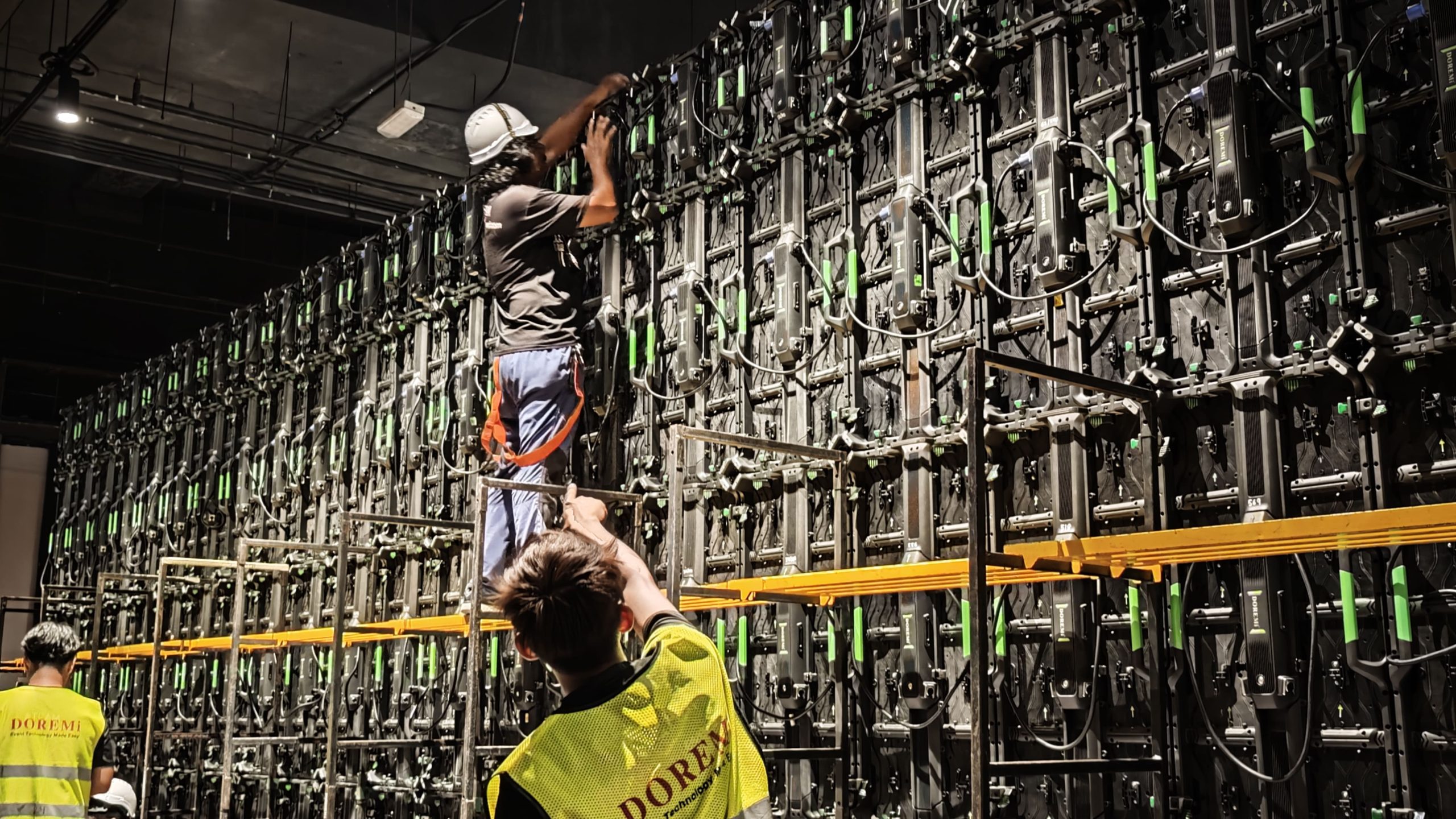 The answer depends on the complexity of the setup and how the equipment will be used.
For a simple meeting with limited equipment, the organiser may only need basic setup support and clear operating instructions, depending on the arrangement.
For a conference with multiple speakers, LED screens, microphones, video playback and lighting cues, having technical personnel available during the event can help manage transitions and respond to problems.
A technician may monitor the sound system, manage presentation sources, operate lighting or coordinate video playback. Larger productions may require several operators because these responsibilities cannot always be handled effectively by one person.
The important point is to clarify responsibilities in advance.
Who will load the presentations? Who will switch between speakers? Who will manage microphone handovers? Who will respond if a video does not play?
When responsibilities are clear, the organiser can focus on guests, speakers and the programme instead of trying to troubleshoot technical equipment.
How Do We Know Whether the Technology Actually Improved the Event?
The success of event technology should be assessed against the event’s objectives.
For a corporate conference, success may mean that attendees could see the presentation clearly, hear speakers comfortably and follow the programme without unnecessary disruption.
For a product launch, it may mean that the product reveal was delivered as planned and the visual content supported the intended message.
For a hybrid event, success may include clear audio for remote participants, reliable streaming and effective communication between in-person and online audiences.
Organisers can review feedback, technical incidents, programme timing and attendee responses after the event.
They can also ask the production team what worked well and what should be improved next time.
This review helps organisations make better decisions for future events. It can reveal whether certain equipment was essential, whether additional displays would be useful or whether more rehearsal time should be allocated.
Technology is valuable when it helps the event achieve its purpose. The number of screens or the complexity of the setup is not, by itself, a measure of success.
Why the Right Event Technology Partner Matters
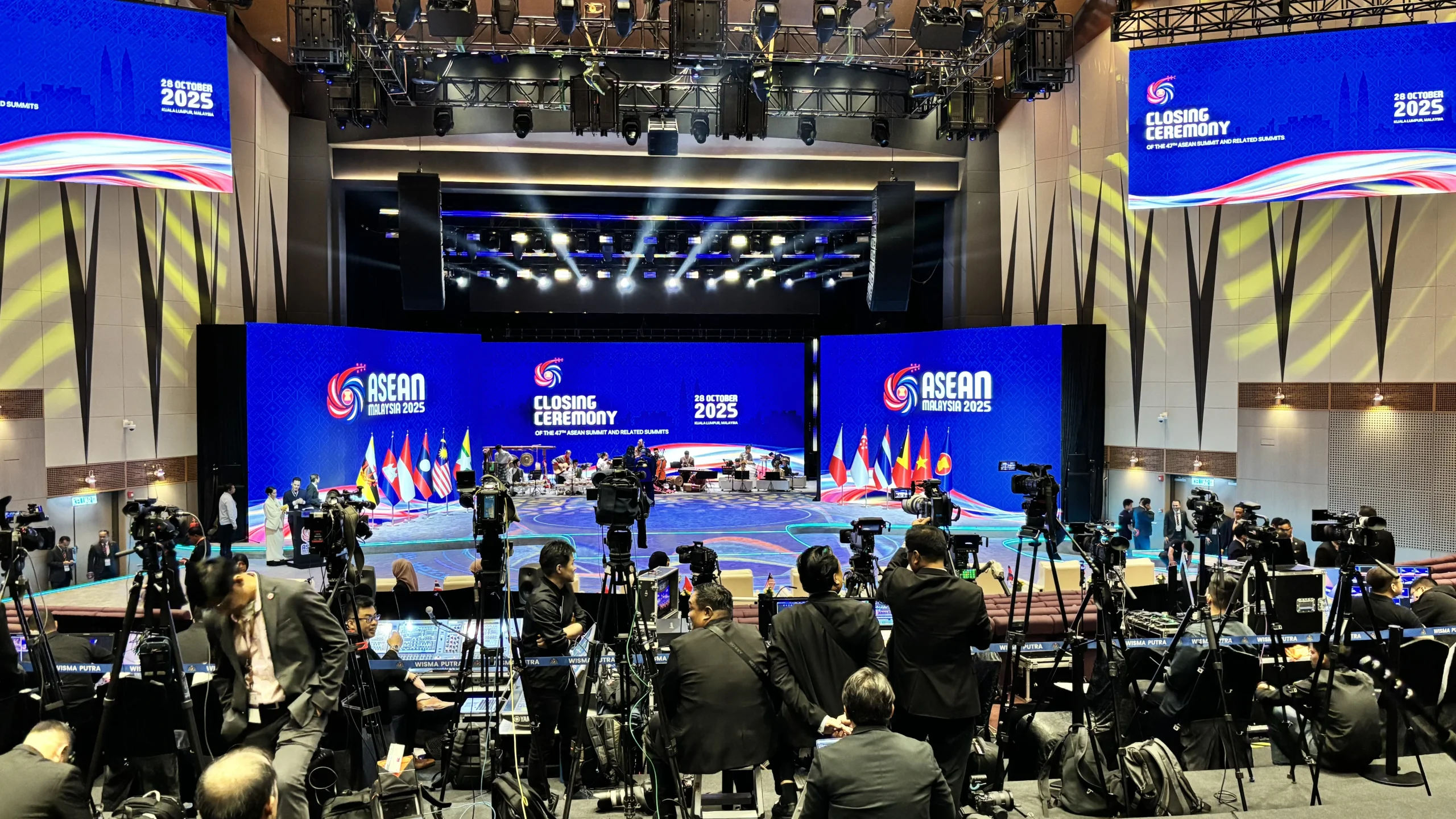 Choosing event technology involves more than selecting equipment from a catalogue. Organisers need a provider who understands the event’s requirements and can help coordinate the technical elements into a workable setup.
DOREMi provides event technology and production solutions covering LED screens, sound systems, lighting, staging, projection and related technical requirements. These elements can be planned together according to the venue, programme and audience.
The value of this approach is coordination. Screen placement affects the stage layout. Microphone requirements affect the audio setup. Presentation content affects the video system. Rehearsal and programme timing influence how technical teams prepare for showtime.
When these considerations are addressed early, organisers have a clearer picture of what is required, what is included and how the different systems will work together.
The right provider should also be willing to explain recommendations, discuss limitations and help distinguish essential requirements from optional enhancements.
Frequently Asked Questions
What is included in event technology services?
Depending on the event, services may include LED screens, sound systems, microphones, lighting, projection, video equipment, staging, technical operators and production support. The scope should be confirmed according to the event requirements.
When should I contact an event technology provider?
For large or technically complex events, start discussions several months in advance where possible. Smaller events may require less lead time, depending on availability and the setup.
Can one provider manage multiple technical systems?
Yes, depending on the provider’s service scope. Coordinating sound, lighting, displays and staging through an integrated production plan can help reduce gaps between technical requirements.
Is the cheapest quotation always the best choice?
Not necessarily. Compare the complete scope, equipment suitability, installation, technical staffing, rehearsal arrangements and contingency provisions rather than price alone.
What is the most important thing to prepare before requesting a quotation?
Start with the event date, venue, expected audience, programme format and the key activities that require technical support. These details help the provider develop a suitable proposal.
Further Reading
Broadsword — The Most-Asked Questions on Event Technology, Answered
Explore how event professionals approach emerging technology, immersive experiences and audience engagement. The article highlights an important planning principle: technology should serve the event’s purpose and audience rather than be introduced simply because it is new. (Read the Broadsword article)
Visit — 7 Questions Every Organiser Should Ask Their Event Technology Provider
A practical guide to evaluating event technology providers, with particular attention to data collection, security, access control, ownership and the value technology delivers to attendees. These questions are especially relevant when an event involves registration platforms or attendee data. (Read the Visit guide)
Planning Event Technology for Your Next Corporate Event?
Whether you are organising a conference, seminar, annual dinner, product launch, exhibition or hybrid event, the best technical setup starts with asking the right questions.
Understanding what the audience needs to see and hear, how the programme will run and what the venue can accommodate helps create a practical foundation for the event.
DOREMi provides integrated event technology and production solutions designed around each event’s technical requirements. From LED screens and sound systems to lighting, staging and technical support, the setup can be coordinated to support the programme from preparation through showtime.
Speak with DOREMi’s event technology specialists to discuss your event requirements and plan a solution that works for your venue, audience and objectives.