A microphone works when you speak into it. A speaker produces sound when it receives a signal. So why can an event still experience feedback, distorted audio, uneven volume or a microphone failure after all the equipment has been installed?
The answer is simple: turning on a sound system is not the same as testing it.
A professional sound check is a structured technical process used to verify the entire audio chain before an event begins. For a professional sound system rental, this process can involve checking microphones, wireless frequencies, mixing consoles, loudspeakers, signal routing, monitor systems, gain structure, equalisation, coverage and backup equipment.
The objective is not simply to make the system loud.
It is to make sure that the right signal reaches the right destination at the right level and with the required clarity.
For conferences, exhibitions, corporate events, product launches, concerts and large-scale productions, skipping a proper sound check can turn a technically manageable issue into a show-time failure.
What Does a Sound Check Actually Test?
A professional sound check evaluates the complete signal path from the source to the audience.
A simplified audio chain may look like this:
Sound Source → Microphone/DI → Stage Input → Multicore/Digital Network → Mixing Console → Processing → Amplification → Loudspeaker → Audience
Every stage of this chain can introduce problems.
A sound check is therefore used to verify:
- Signal presence
- Signal routing
- Input gain
- Microphone operation
- Wireless connectivity
- Frequency coordination
- Phase and polarity
- Equalisation
- Dynamic processing
- Monitor levels
- Loudspeaker output
- System coverage
- Feedback risk
- Playback systems
- Backup systems
- Overall intelligibility
This is why professional sound system rental should include more than equipment delivery and setup.
The equipment needs to be configured and tested as a complete system.
Input Signals Are Checked First
The first stage is verifying that every required input is working.
An event may have considerably more inputs than the audience realises.
A corporate conference could include:
- Chairman microphone
- Speaker microphones
- Panel microphones
- Wireless handheld microphones
- Lavalier microphones
- Headset microphones
- Laptop playback
- Presentation audio
- Video playback
- Walk-in music
- Remote conferencing audio
- DI inputs
- Playback devices
A technician checks each input individually.
The purpose is to confirm that the signal is reaching the mixing console correctly and that the expected input channel corresponds to the correct physical source.
For example, if the presenter is using wireless microphone number three but the console channel is labelled as microphone number one, the mistake may not become obvious until the event is already underway.
A professional sound check eliminates this uncertainty before the audience enters.
Microphones Are Tested for More Than “Sound”
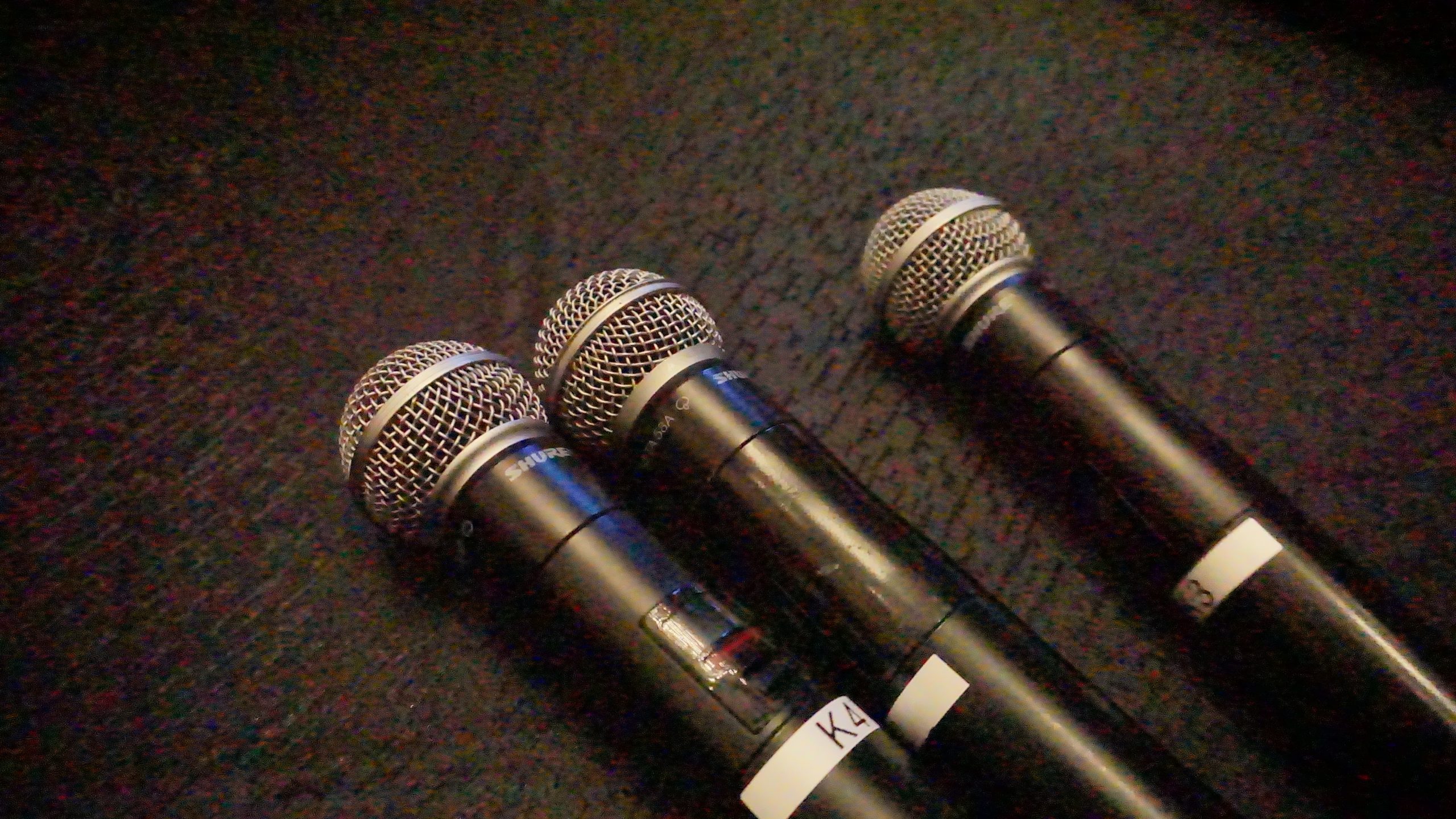
One of the most common misconceptions about sound checks is that technicians simply say, “Check, one, two,” into a microphone.
In reality, microphone testing can involve several technical considerations.
The technician needs to establish whether the microphone is:
- Producing a clean signal
- Receiving adequate gain
- Correctly routed
- Free from unwanted noise
- Correctly positioned
- Appropriate for the speaker
- Operating reliably throughout the required area
Different microphones also behave differently.
A handheld microphone, headset microphone and lavalier microphone have different pickup characteristics and placement requirements.
For example, a lavalier microphone positioned too close to clothing may produce rustling noise. A headset microphone positioned incorrectly may create inconsistent vocal levels. A handheld microphone used too far from the speaker’s mouth may require additional gain, increasing the potential for feedback.
A proper sound check identifies these issues before they become show-time problems.
Wireless Microphone Frequencies Are Checked
Wireless microphones introduce another layer of technical complexity.
Unlike a wired microphone, a wireless system depends on radio-frequency communication between the transmitter and receiver.
For events using multiple wireless microphones, technicians need to consider frequency coordination.
Potential issues include:
- Frequency interference
- Intermodulation
- Poor RF coverage
- Weak signal areas
- Antenna positioning
- Battery condition
- Incorrect transmitter/receiver pairing
Imagine a conference using eight wireless microphones.
If the frequencies are not properly coordinated, two systems may interfere with each other or produce intermittent problems.
The issue may not appear when each microphone is tested individually.
This is why professional sound system rental for larger events requires proper wireless coordination rather than simply providing a required number of microphones.
Gain Structure Is Checked
One of the most important technical processes during a sound check is gain staging.
Gain structure refers to managing signal levels throughout the audio system.
The signal should be strong enough to maintain a good signal-to-noise ratio but not so high that it overloads equipment or creates unwanted distortion.
A simplified chain might be:
Microphone → Preamp → Console → DSP → Amplifier → Loudspeaker
If the input gain is set too low, the technician may need to increase levels later in the signal chain, potentially raising the noise floor.
If the input gain is set too high, the preamp or subsequent processing stage may clip.
Clipping occurs when a signal exceeds the available headroom of a system component, resulting in audible distortion.
A professional sound check therefore establishes appropriate operating levels before the event starts.
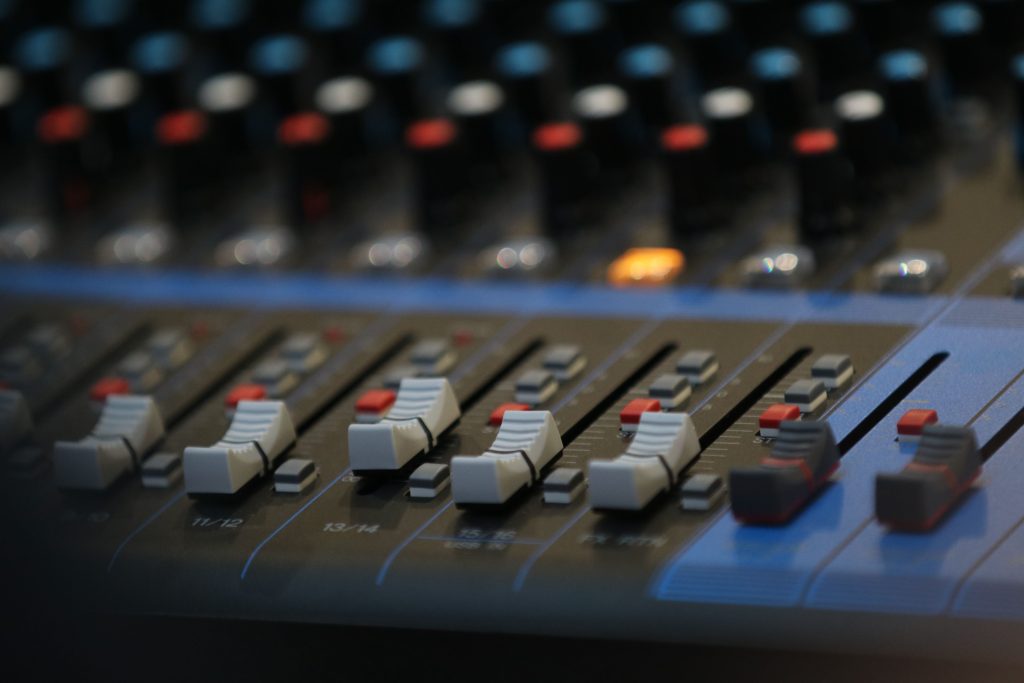
The Mixing Console Is Verified
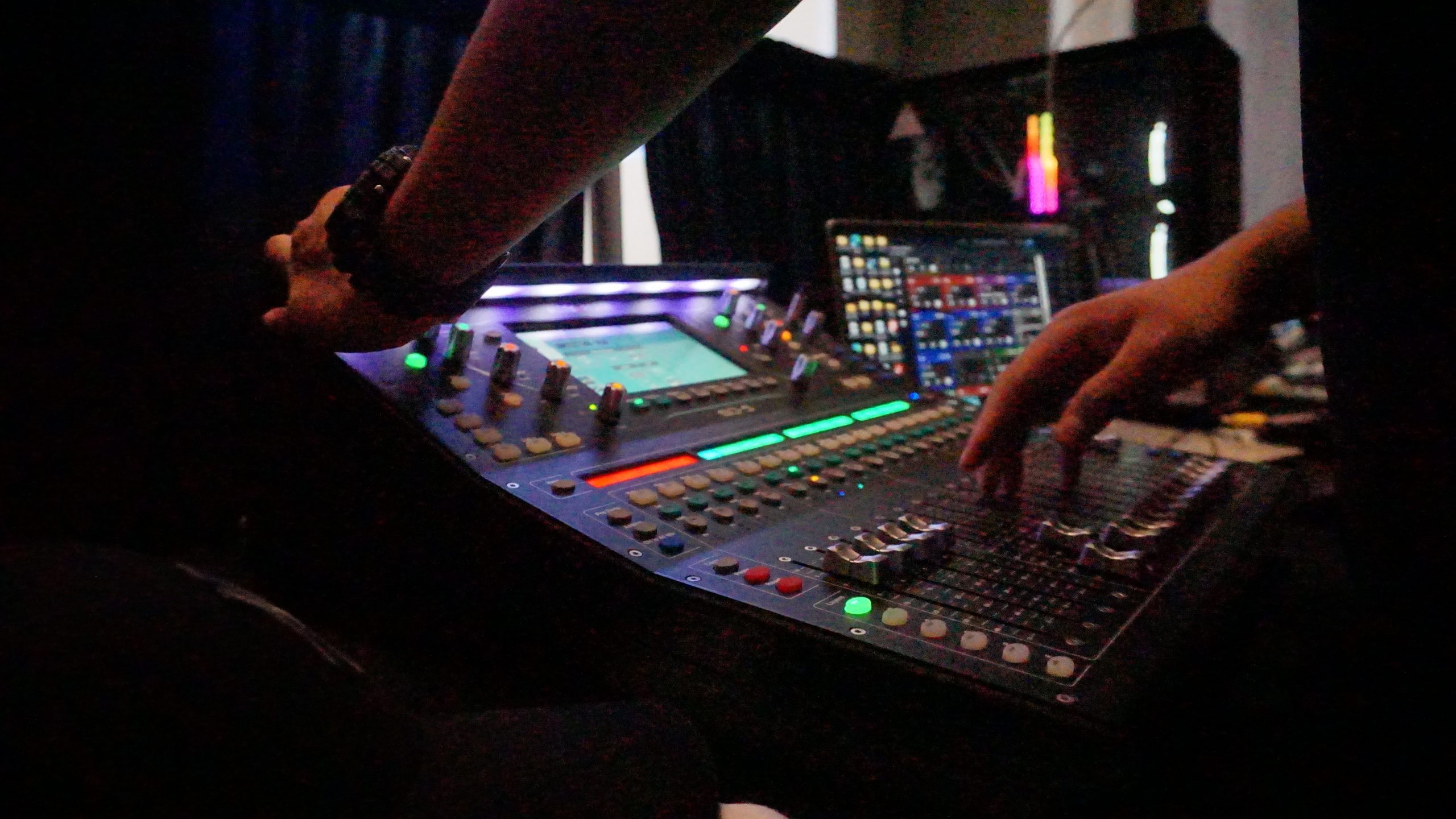
The mixing console is effectively the control centre of the audio system.
Modern consoles may manage dozens or even hundreds of channels, depending on the scale of the production.
During sound check, technicians verify:
- Channel assignment
- Input routing
- Fader operation
- Mute states
- Aux sends
- Monitor mixes
- EQ settings
- Compression
- Effects
- Matrix outputs
- Main outputs
- Recording feeds
- Broadcast feeds
A routing error can be particularly difficult to identify once an event has started.
For example, a speaker microphone might be correctly connected but routed to the wrong output bus. The microphone appears active on the console, but the audience receives no sound.
A proper sound check traces the complete signal path rather than assuming that an active channel automatically means the system is functioning correctly.
Equalisation Is Adjusted for the Venue
Every venue sounds different.
The same loudspeaker system can produce different results in a carpeted conference room, a ballroom, an exhibition hall or an outdoor venue.
Room characteristics influence how sound behaves.
Hard surfaces can produce strong reflections.
Glass surfaces can increase high-frequency reflections.
Large empty spaces can produce reverberation.
Low-frequency energy can accumulate differently depending on room dimensions and speaker placement.
Equalisation, or EQ, allows technicians to adjust the tonal response of the system.
The objective is not to make the sound artificially dramatic.
For corporate events and conferences, the priority is often speech intelligibility.
The audience needs to understand what the speaker is saying clearly without excessive volume or harshness.
For concerts and entertainment events, the system may require a much broader frequency balance.
This is another reason why sound system rental should be planned around the venue and event format rather than based purely on equipment quantity.
Loudspeaker Coverage Is Tested

A loudspeaker can be functioning perfectly and still fail to deliver good coverage.
Why?
Because the question is not simply:
“Is sound coming out?”
The real question is:
“Is the required sound reaching the required audience areas consistently?”
A sound system designer considers:
- Venue dimensions
- Audience capacity
- Seating arrangement
- Speaker height
- Speaker orientation
- Horizontal coverage
- Vertical coverage
- Distance to audience
- Delay requirements
- Acoustic environment
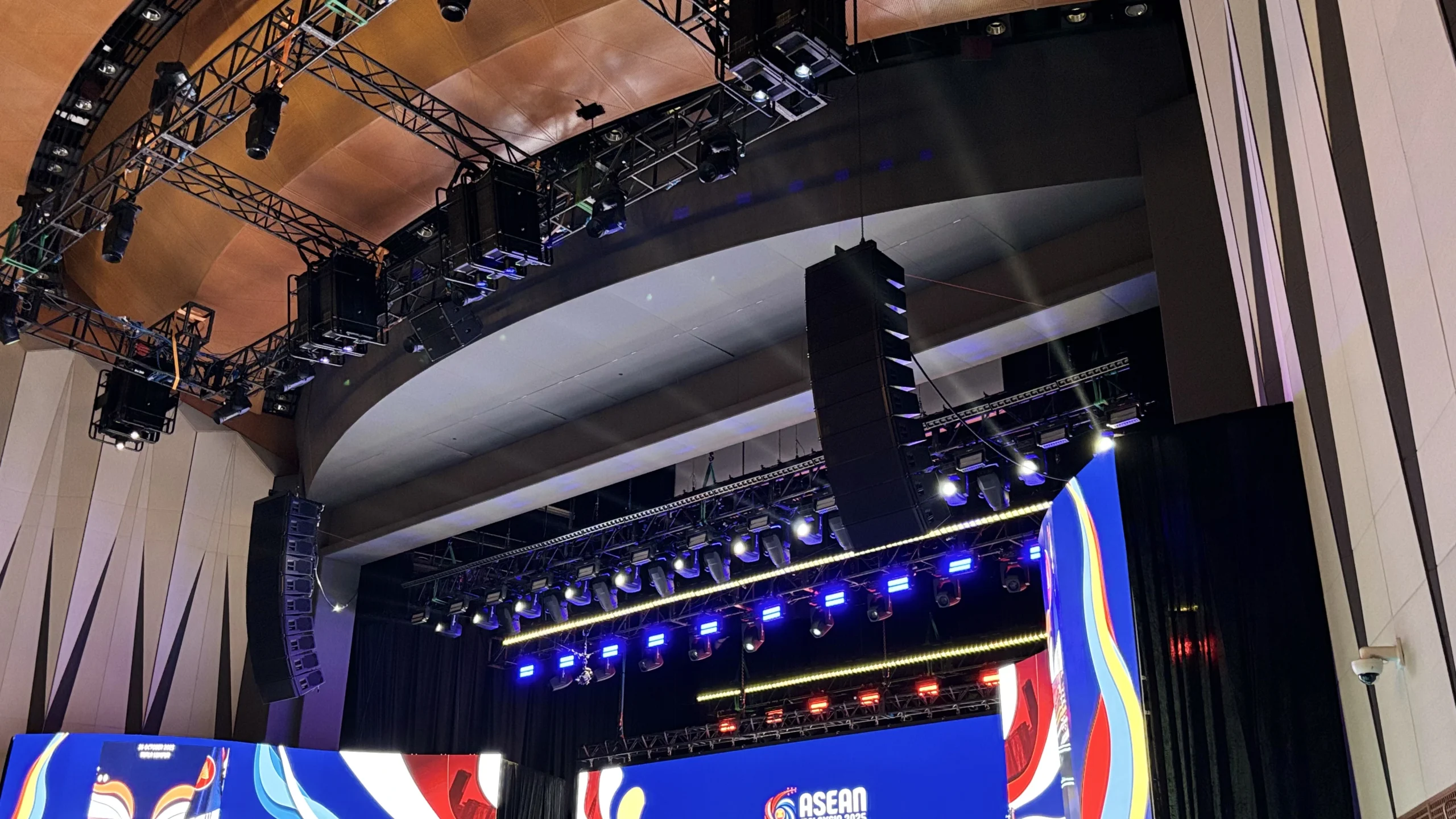
For a large venue, the main loudspeakers may not be sufficient to provide even coverage throughout the room.
Additional delay speakers or distributed systems may be required.
During the sound check, technicians can verify whether the front, middle and rear audience areas are receiving appropriate levels.
Delay Systems Are Checked
Large venues sometimes require loudspeakers positioned further into the audience area.
These are commonly used as delay speakers.
Why are delays necessary?
Sound travels at a finite speed. If an audience member hears sound from two loudspeakers positioned at significantly different distances, the signals may arrive at different times.
Without appropriate time alignment, the result can be:
- Echo
- Reduced intelligibility
- Phase-related interference
- Perceived localisation problems
Digital signal processors can introduce controlled delays so that different loudspeaker zones are time-aligned.
During a professional sound check, technicians verify these timing relationships.
This is particularly important for large conferences, outdoor events and extended audience layouts.
Phase and Polarity Are Checked
Phase and polarity problems can have a major impact on system performance.
Polarity refers to the directional relationship of a signal, while phase describes the time relationship between signals.
If loudspeakers or subwoofers are incorrectly configured relative to each other, certain frequencies may partially cancel.
This can result in weak or inconsistent low-frequency response.
A system may therefore appear to have sufficient equipment but still sound thin or uneven.
Technicians use appropriate testing procedures and listening checks to identify these problems.
This becomes particularly important when multiple loudspeaker cabinets, subwoofers, front fills or delay systems are deployed.
Monitor Systems Are Tested Separately
For performers and presenters, the audience sound is not necessarily the most important audio feed.
They also need to hear themselves.
This is where monitor systems become important.
A stage monitor may provide:
- Presenter microphone
- Vocal microphone
- Instruments
- Playback
- Cue information
- Other performers’ audio
A singer may require a different monitor mix from a guitarist.
A panel discussion may require presenters to hear selected microphones.
During sound check, technicians verify each monitor mix independently.
If a presenter cannot hear the required audio, they may speak louder, move closer to the microphone or become distracted during the event.
Good monitor design therefore contributes directly to performance quality.
Feedback Risk Is Evaluated
Feedback is one of the most recognisable audio problems at live events.
It occurs when sound from a loudspeaker is picked up again by a microphone and repeatedly amplified through the system.
This creates a feedback loop.
The familiar high-pitched squeal can occur when the system reaches a frequency where the loop gain becomes sufficiently high.
Technicians reduce feedback risk through several methods:
- Appropriate microphone positioning
- Correct loudspeaker placement
- Gain management
- Equalisation
- Directional microphone selection
- Monitor positioning
- System tuning
A sound check provides an opportunity to identify potentially problematic frequencies before the audience arrives.
The goal is not to intentionally push the system into feedback.
Instead, technicians establish sufficient operating margin so that normal speaker movement and microphone use can occur without destabilising the system.
Playback and Presentation Audio Are Tested
Modern events frequently include video and presentation content.
A laptop may send audio through:
- HDMI
- USB
- Analogue output
- Dante or other networked audio
- Dedicated playback systems
The audio may then travel through the event’s signal infrastructure before reaching the main sound system.
During sound check, technicians test actual playback sources where possible.
This can reveal problems such as:
- Incorrect output selection
- HDMI audio not being recognised
- Different sample rates
- Missing channels
- Excessive playback volume
- Stereo/mono routing problems
- Incorrect console assignment
A presentation that looks perfect on the screen can still fail if the audience cannot hear the embedded video.
Sample Rates and Digital Audio Compatibility
Digital audio systems introduce another technical consideration: compatibility.
Different devices may operate at different sample rates or use different digital audio protocols.
If devices are not correctly configured, the system may experience:
- No audio
- Digital noise
- Clicks
- Dropouts
- Synchronisation problems
Professional technicians therefore need to understand how the various digital components communicate.
This is especially relevant to complex sound system rental projects involving digital consoles, networked audio, video systems and broadcast feeds.
The larger the production, the more important system integration becomes.
Subwoofers and Low-Frequency Systems Are Tested
Low-frequency reproduction requires specific attention.
Subwoofers handle the lower portion of the audio spectrum and are commonly used for concerts, entertainment productions and events where music plays a major role.
Technicians check:
- Subwoofer output
- Crossover settings
- Phase relationship
- Delay
- Polarity
- Coverage
- Interaction with main loudspeakers
If the crossover between the main system and subwoofers is poorly configured, there may be gaps or excessive overlap between frequency ranges.
The result can sound weak, muddy or uncontrolled.
A proper sound check ensures the low-frequency system complements rather than competes with the main loudspeakers.
Backup Systems Are Tested
Professional event production should also consider what happens when something fails.
A microphone battery can fail.
A cable can become damaged.
A wireless transmitter can stop transmitting.
A playback computer can crash.
A signal processor can develop a fault.
A professional sound system rental setup can incorporate backup strategies depending on the event’s risk level.
These may include:
- Spare microphones
- Spare batteries
- Backup playback sources
- Redundant signal paths
- Spare cables
- Backup consoles
- Additional critical equipment
The important point is that backup equipment should be prepared—not simply stored somewhere in a case.
A spare microphone that has not been configured or tested may not be a practical backup.
The Entire System Is Tested Under Realistic Conditions
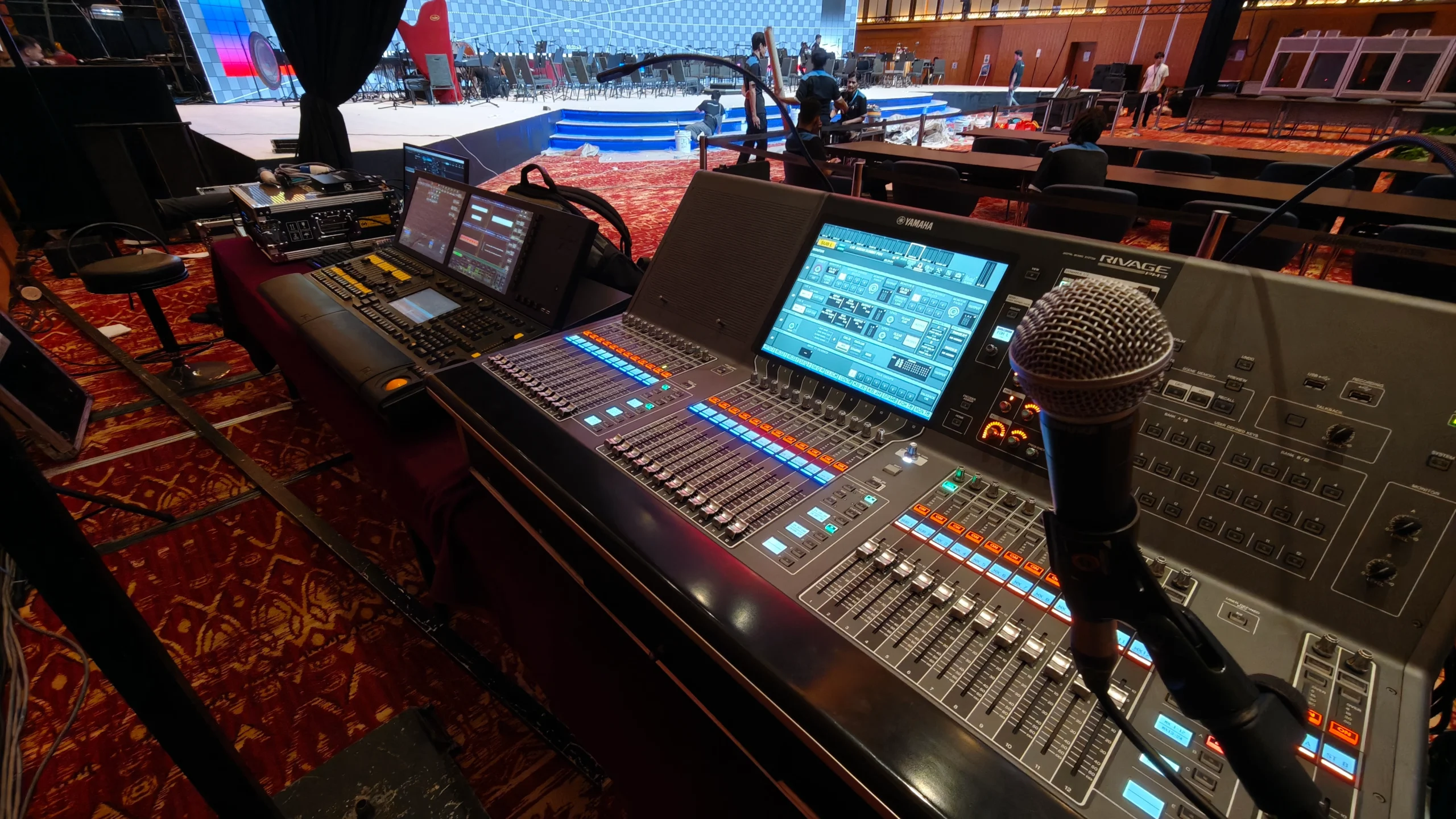
A final sound check should reproduce the conditions of the actual event as closely as possible.
If there will be:
- A live band
- Multiple presenters
- Video playback
- Remote speakers
- Panel discussions
- Walk-in music
- Performances
- Recorded announcements
then those elements should be considered during testing.
This is often where hidden problems emerge.
A system that works perfectly with one microphone may behave differently when several microphones, playback sources and monitor systems operate simultaneously.
The final test should therefore evaluate the system as an integrated production environment.
Why Skipping the Sound Check Is Risky
Skipping or shortening a sound check may appear to save time.
In reality, it transfers technical risk directly into the live event.
Without proper testing, issues may only become visible when:
- The first speaker walks on stage
- A microphone is switched on
- A video begins playing
- A panel starts speaking
- A performer begins singing
- The audience enters a different seating area
- The event transitions between programme segments
At that point, there is very little room for troubleshooting.
The audience is waiting.
The presenter is speaking.
The event schedule is moving.
A professional sound check provides something extremely valuable:
time to solve problems before they become public problems.
How Long Should a Sound Check Take?
There is no universal sound-check duration.
It depends on the scale and complexity of the event.
A small corporate meeting with two microphones may require relatively little testing.
A conference with multiple wireless microphones, presentation playback, video conferencing and distributed loudspeakers requires significantly more preparation.
A concert involving a full band, monitors, front fills, subwoofers, playback and multiple performers requires an even more detailed process.
The correct question is therefore not:
“How quickly can the sound check be completed?”
It is:
“Has every critical part of the system been verified?”
Sound Check vs Sound System Setup
These two activities are related but different.
Setup means installing and connecting the equipment.
Sound check means testing, adjusting and validating the system.
For a professional sound system rental, the workflow may involve:
Planning → Equipment Preparation → Installation → Signal Routing → System Configuration → Sound Check → Rehearsal → Event Operation
Each stage contributes to reliability.
Equipment can be installed correctly but still require adjustment.
A cable can be connected correctly but routed incorrectly.
A microphone can power on but still have poor gain or incorrect frequency coordination.
A loudspeaker can operate but still provide uneven coverage.
Testing turns a collection of equipment into a functioning audio system.
What a Professional Sound System Rental Should Include
When comparing sound system rental providers, it is useful to look beyond the equipment list.
Ask whether the service includes:
- System design
- Venue assessment
- Appropriate loudspeaker selection
- Microphone planning
- Wireless frequency coordination
- Signal routing
- Console configuration
- System tuning
- Sound check
- Rehearsal support
- Technical crew
- Backup planning
- On-site troubleshooting
This distinction matters because the same equipment can produce very different results depending on how it is designed and operated.
A professional provider should be able to explain why particular equipment has been selected for the venue and event requirements.
A Practical Pre-Event Sound Check Checklist
Before the event begins, technicians should verify at minimum:
Inputs
- All microphones tested
- DI boxes tested
- Playback sources tested
- Presentation audio tested
Wireless
- Frequencies coordinated
- Transmitters paired
- Batteries checked
- RF coverage verified
Console
- Channel assignments confirmed
- Routing verified
- Gain structure checked
- EQ and processing configured
Loudspeakers
- Main outputs tested
- Coverage checked
- Delay systems aligned
- Subwoofers configured
Stage
- Monitor mixes checked
- Presenter communication tested
- Stage cabling secured
Reliability
- Spare equipment available
- Backup sources prepared
- Critical signal paths verified
Final Test
- Full programme flow rehearsed where possible
- Cue points confirmed
- Technical team briefed
This process may appear extensive, but it is significantly easier than attempting to troubleshoot an untested system while hundreds or thousands of people are already watching.
DOREMi: Professional Sound System Rental and Event Audio Support
A reliable event audio system begins long before the first microphone is switched on.
DOREMi provides professional sound system rental solutions for conferences, exhibitions, product launches, corporate events, concerts, government programmes and other live productions.
The approach covers more than equipment provision. Sound requirements can be planned around the venue, audience size, event format and programme requirements, with system configuration, testing and technical support integrated into the production process.
Depending on the event, a professional audio solution may incorporate microphones, digital mixing consoles, loudspeaker systems, subwoofers, monitors, signal processing, wireless systems, playback integration and technical crew.
With more than 45 years of event industry experience, DOREMi combines event technology, technical expertise and on-site execution to help ensure that the audio system performs reliably from setup through showtime.
Final Thoughts
A sound check is not simply a microphone test.
It is the final technical validation of an entire audio system.
From input signals and wireless frequencies to gain structure, equalisation, loudspeaker coverage, delay alignment, monitor mixes and backup systems, every stage contributes to what the audience ultimately hears.
For smaller events, the process may be relatively straightforward. For complex productions, it can involve detailed system design, digital signal routing, acoustic considerations and multiple layers of redundancy.
The principle remains the same:
If the audience is expected to hear it clearly, it needs to be tested before they arrive.
Investing in professional sound system rental is therefore not only about selecting the right equipment. It is about ensuring that the equipment is correctly designed, configured, tested and operated for the event.
A successful sound system should be almost invisible to the audience.
They should not notice the gain structure, wireless coordination, delay timing or signal routing.
They should simply hear the presenter clearly, experience the music as intended and follow every important moment without distraction.
That is what a proper sound check is designed to achieve.
Further Reading
For additional insights into the sound-check process and commonly overlooked technical considerations, explore 9 Often Overlooked Facts During Soundchecks from Woodbrass. Read the article
For practical insights into professional sound-check preparation and backstage audio workflow, read Backstage Class: Gimme Three Steps from ProSoundWeb. Read the article
Planning a Professional Sound System for Your Event?
Planning a conference, exhibition, product launch, corporate event or large-scale production that requires professional and reliable audio?
DOREMi can develop an integrated sound solution covering professional loudspeaker systems, wireless and wired microphones, digital mixing consoles, monitors, subwoofers, audio processing, playback systems and technical operations according to the requirements of the venue, audience and event.
Speak with DOREMi’s event technology specialists to plan a professional sound system that delivers clear, reliable audio and keeps your event running smoothly from setup to showtime.