The first few minutes of an event can shape the entire guest experience.
Long registration queues, manual attendee verification, printed lists and crowded registration counters can quickly create friction before the event has even begun. For organisers managing conferences, exhibitions, corporate events, product launches and large public gatherings, the challenge is no longer simply getting guests through the door.
It is creating a fast, professional and engaging arrival experience.
This is where touchscreen technology is changing the way modern events handle registration and check-in.
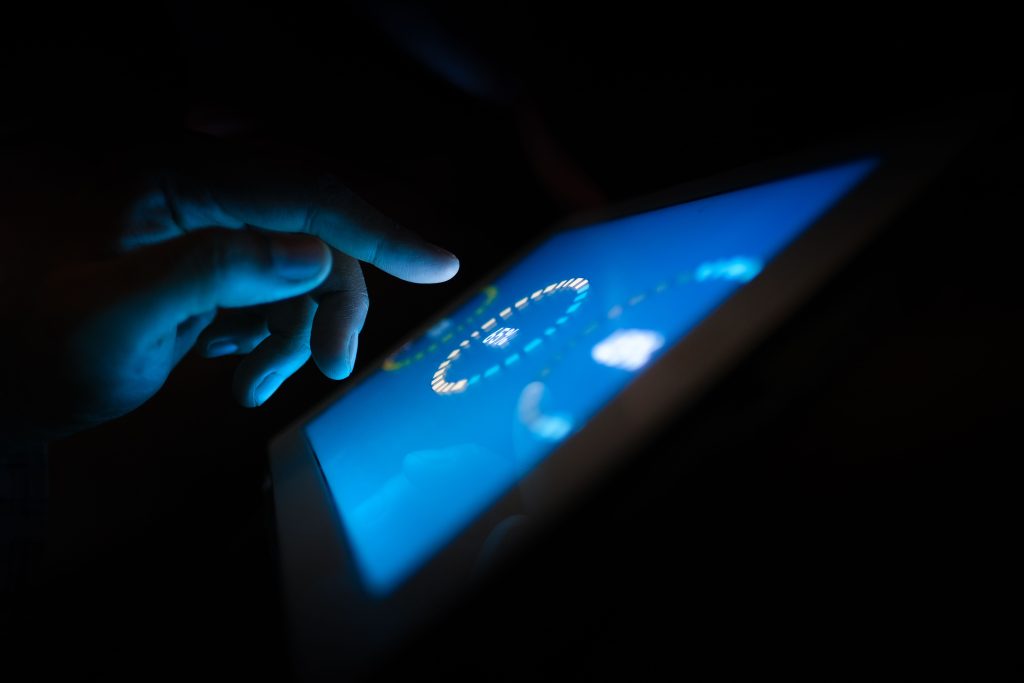
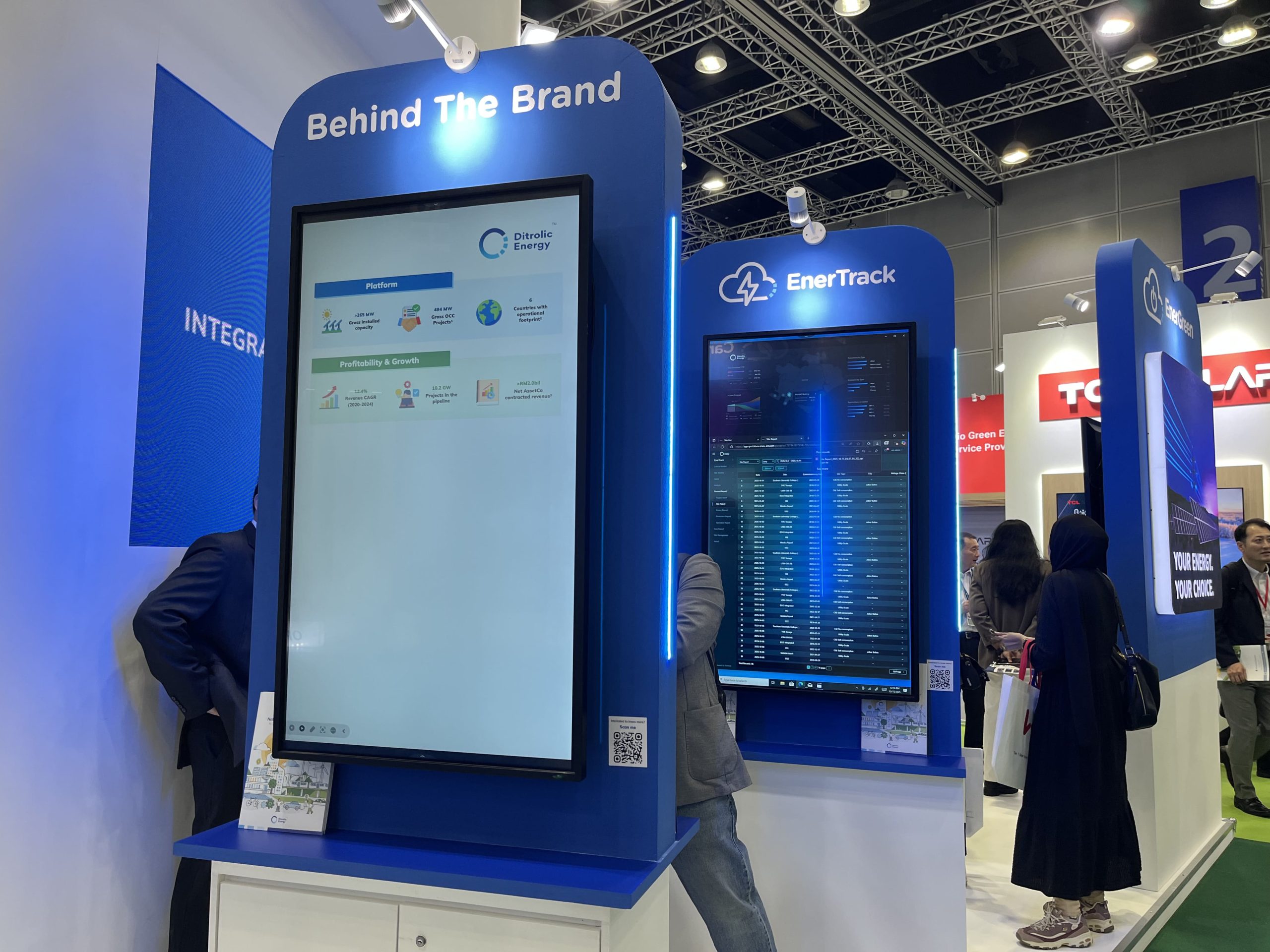
Instead of relying entirely on staff and printed registration lists, touchscreen kiosks can provide attendees with a digital point of interaction—allowing them to confirm attendance, retrieve event information, print badges or receive directions with minimal assistance.
When integrated with other event technology such as an LED Screen, digital signage, registration systems and venue infrastructure, these touchpoints can become part of a much larger automated event experience.
The result is more than a faster registration process.
It is a smarter first impression.
From Registration Counter to Digital Concierge
Traditional event registration usually involves several steps.
An attendee arrives, approaches a registration desk, provides their name or QR code, waits for verification and receives a badge or other event materials. Staff members then repeat the process for every guest.
This system can work effectively for smaller events, but the pressure increases as attendance grows.
A touchscreen kiosk introduces another option.
Instead of every attendee requiring direct assistance, a self-service station can guide guests through a predefined check-in process. The interface can be designed around simple instructions, large buttons and clear visual prompts so that attendees can complete routine actions independently.
This creates what can be described as a digital concierge—a technology-enabled touchpoint that helps guests navigate the beginning of their event journey.
The system can potentially support functions such as:
- QR code scanning
- Name or registration lookup
- Attendee verification
- Badge printing
- Event programme information
- Venue directions
- Session information
- Feedback collection
- Digital announcements
- Wayfinding
- Promotional content
For event organisers, the value is not simply automation.
It is the ability to move staff away from repetitive administrative tasks and towards areas where human assistance creates greater value.
Why Touchscreen Check-In Matters at Modern Events
Event attendees increasingly expect digital experiences.
They book flights through their phones, scan QR codes at restaurants and use self-service systems in airports and shopping centres. The same expectation is increasingly entering the event environment.
A slow, paper-heavy registration process can feel out of place at a technology-driven conference or corporate event.
Touchscreen check-in provides a more contemporary alternative.
The interface can guide attendees step by step, reducing the amount of information they need to process at the registration counter.
For large events, even a small reduction in average check-in time can have a significant effect.
If hundreds or thousands of guests arrive within the same 20- or 30-minute period, registration capacity becomes an operational consideration.
More check-in points can increase throughput, while automated processes can reduce the pressure placed on registration staff.
Where the LED Screen Fits Into the Experience
A touchscreen kiosk and an LED Screen serve different purposes, but together they can create a stronger event environment.
The touchscreen is primarily an interactive interface.
The LED Screen is primarily a large-format visual communication platform.
At a conference, for example, the touchscreen can handle individual attendee check-in while the LED Screen displays:
- Welcome messages
- Event branding
- Programme information
- Sponsor visibility
- Session announcements
- Speaker information
- Directional content
- Live event visuals
This creates a clear distinction between personal interaction and public communication.
One attendee interacts directly with the touchscreen, while the wider audience receives information through the LED Screen.
The combination can make the registration area feel more like an integrated digital environment rather than a collection of separate equipment.
Designing the Check-In Journey
Technology alone does not guarantee a good user experience.
The check-in interface needs to be designed around the attendee.
A successful touchscreen journey should answer one question at every stage:
“What should I do next?”
A typical workflow might look like:
Welcome → Scan QR Code → Verify Details → Confirm Attendance → Print Badge → Proceed to Event
Each stage should be visually obvious.
Large buttons, readable typography, high-contrast interfaces and concise instructions can make the system easier to use, particularly when attendees are arriving quickly.
The system should also account for exceptions.
What happens if a QR code cannot be scanned?
What happens if an attendee’s name cannot be found?
What happens if a badge fails to print?
What happens if someone arrives without completing registration?
A well-designed automated system does not eliminate human support completely. Instead, it ensures that staff intervention is reserved for situations requiring judgement or assistance.
The Role of Event Branding
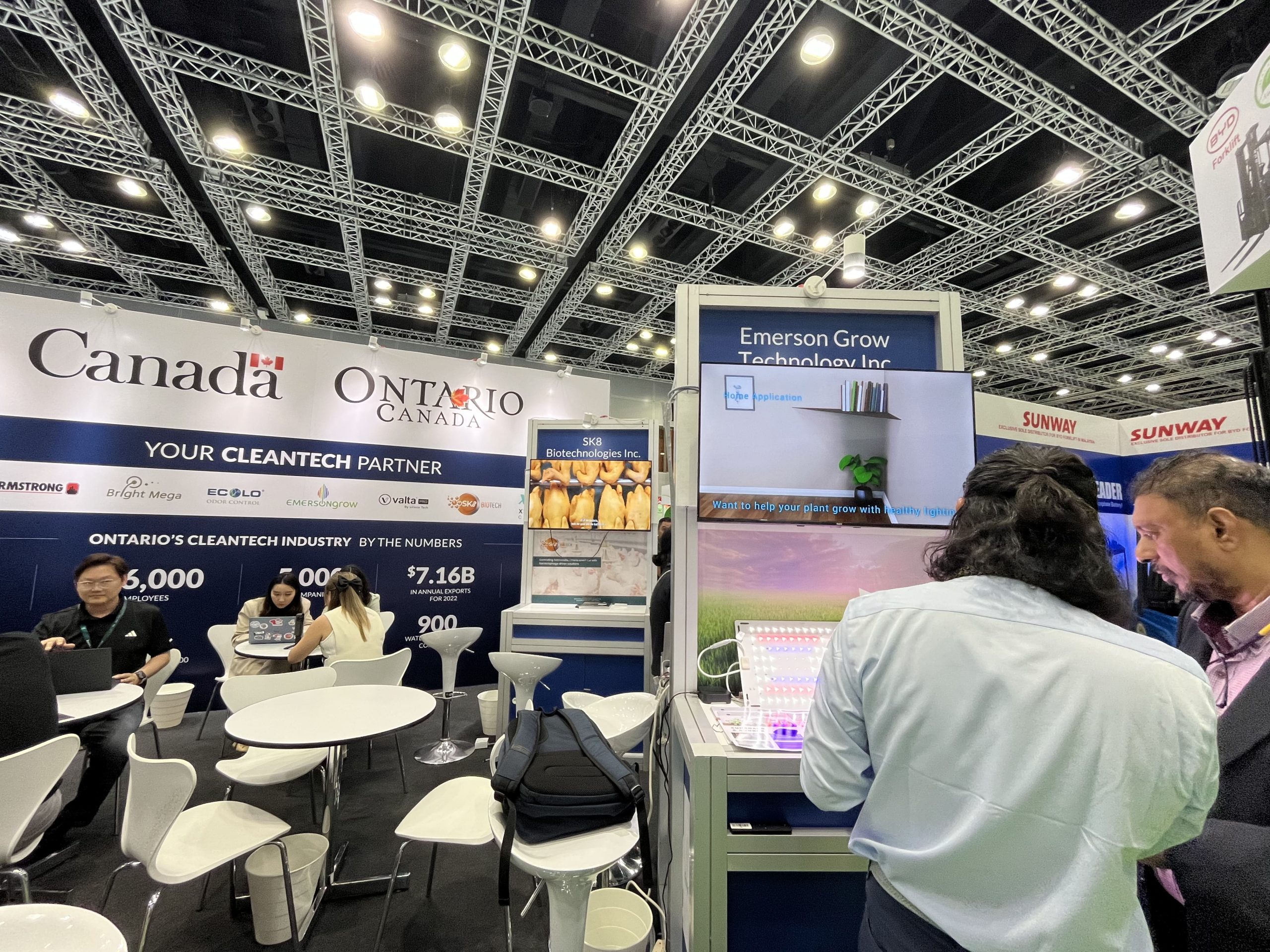
A touchscreen check-in station is also another opportunity for branding.
The interface can incorporate the event identity, sponsor logos, colours, welcome messages and relevant information.
The surrounding environment can then reinforce the same visual identity through an LED Screen, stage design, registration counters, branded backdrops and event lighting.
Consistency matters.
If the touchscreen uses one visual identity while the LED Screen displays unrelated graphics, the experience can feel fragmented.
When the digital interface and physical environment are designed together, the registration area becomes part of the event’s overall brand experience.
Reducing Pressure on Registration Teams
One of the biggest advantages of automated check-in is operational.
Registration teams often spend a significant amount of time handling repetitive tasks:
“May I have your name?”
“Could you show me your QR code?”
“Let me check your registration.”
“Here is your badge.”
Automating parts of this process can allow staff to focus on more complex requirements.
For example, staff can assist VIP guests, international delegates, speakers, media representatives or attendees experiencing registration issues.
This changes the role of the registration team.
Instead of acting primarily as data-entry operators, staff can become guest-experience facilitators.
That distinction becomes particularly important at premium corporate events where the quality of the welcome experience contributes to the perception of the entire organisation.
Touchscreens Beyond Check-In
The same touchscreen infrastructure can potentially serve additional purposes throughout the event.
After registration, the interface could provide attendees with access to:
Event Programme
Attendees can check session schedules, speaker information and programme updates.
Venue Navigation
Interactive wayfinding can help guests locate meeting rooms, exhibition areas, restrooms, dining areas or breakout spaces.
Exhibition Discovery
For exhibitions, touchscreen interfaces can help visitors find exhibitors or explore products and services.
Surveys and Feedback
Attendees can provide immediate feedback without relying on printed forms.
Lead Generation
Interactive forms can capture information from visitors interested in a particular product, service or sponsor.
This makes touchscreen technology more valuable than a device used only for the first five minutes of an event.
It can become part of the event’s wider digital infrastructure.
Connecting Touchscreens With the Wider Event Technology System
The real potential appears when different technologies communicate with each other.
An event may include:
Registration Platform → Touchscreen Kiosks → Badge Printers → Digital Signage → LED Screen → Event Management System
The exact configuration depends on the event requirements and software being used, but the principle remains the same.
Information should move efficiently between systems.
For example, an attendee completing registration through a touchscreen should not necessarily require staff to manually enter the same information into another system.
Integration can reduce duplication and minimise opportunities for human error.
For larger productions, technical planning should therefore consider not only the individual equipment but also how the entire technology ecosystem operates together.
Reliability Is More Important Than the Touchscreen
A touchscreen may look simple from the outside.
Behind it, however, several components may need to work correctly:
- Display
- Touch interface
- Network connection
- Registration software
- QR scanner
- Badge printer
- Power supply
- Database or cloud connection
- Event management platform
If any critical component fails, the attendee experience can be affected.
This is why professional event technology planning includes testing and contingency preparation.
Before the event begins, the system should be tested under conditions that resemble the actual operation.
Testing should consider:
Connectivity → Software → Scanning → Data retrieval → Printing → User interaction → Failure recovery
The goal is not simply to prove that the equipment turns on.
The goal is to prove that the entire guest journey works.
What Happens When Technology Fails?
Automation should never mean having no backup plan.
A registration system can experience network interruptions, software errors, printer problems or unexpected hardware issues.
A professional setup therefore considers fallback procedures.
For example, registration staff can retain access to a manual verification process while technical teams monitor the system.
Similarly, spare equipment or replacement consumables may be prepared depending on the scale and criticality of the event.
The principle is simple:
Automate the routine. Prepare for the unexpected.
This is particularly important for major conferences, exhibitions and government or corporate events where large numbers of attendees may arrive simultaneously.
Making the Registration Area More Engaging
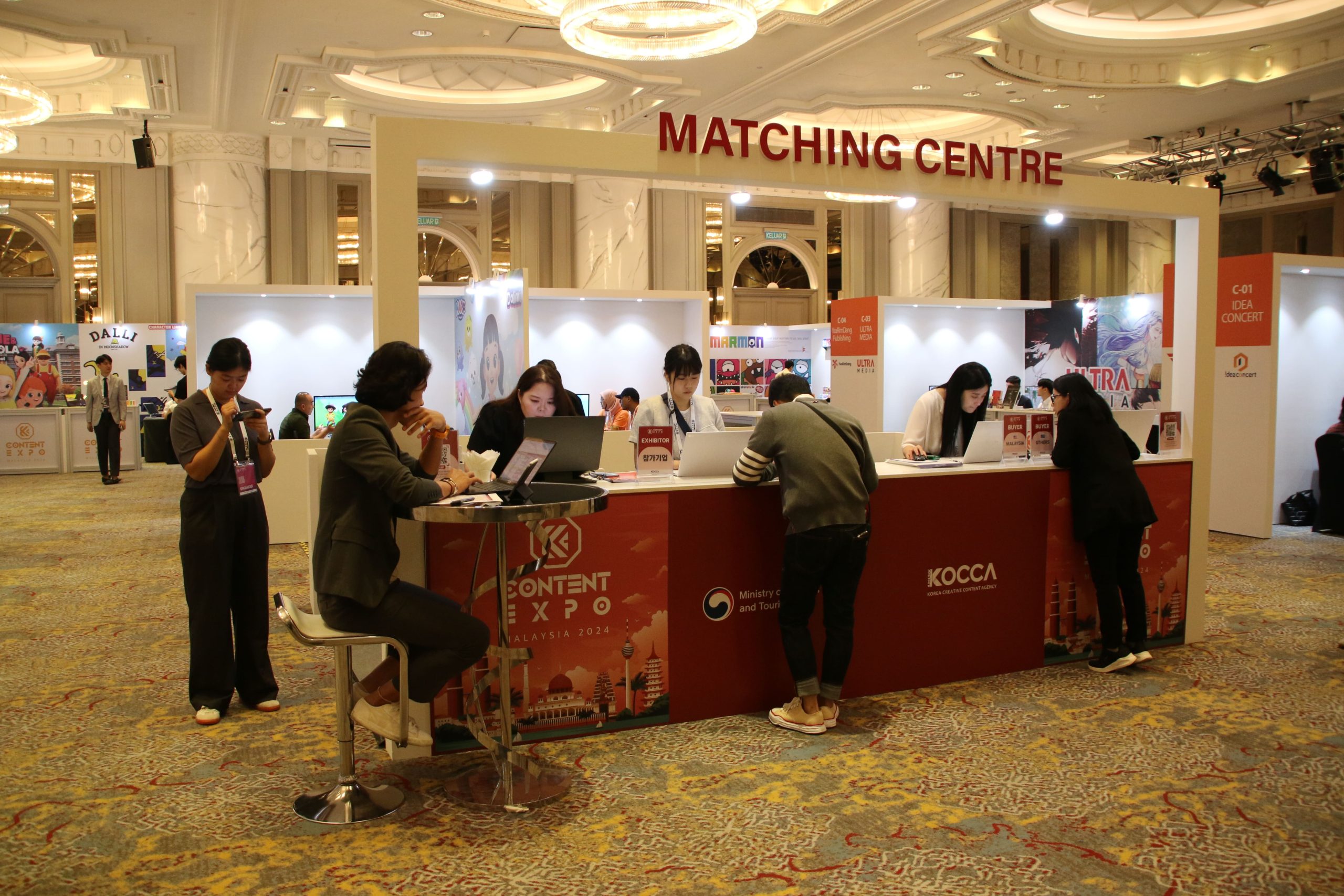
The registration area is often one of the first major visual touchpoints of an event.
It should therefore do more than process people.
A combination of touchscreen kiosks, an LED Screen, event lighting and branded structures can transform the area into an interactive welcome zone.
Imagine arriving at a conference and seeing a large LED Screen displaying a dynamic welcome message.
Nearby, touchscreen kiosks guide attendees through registration.
Once the badge is printed, digital signage directs guests towards the main hall.
The experience feels coordinated.
Every element is performing a different function, yet they work together as one system.
That is the difference between simply deploying technology and designing an event technology experience.
When Should Organisers Consider Automated Check-In?
Touchscreen check-in can be particularly valuable when an event has:
- High attendee volume
- Multiple registration categories
- Short arrival windows
- QR-based registration
- Multiple sessions
- Large exhibition areas
- VIP or speaker registration
- Complex venue layouts
- Frequent attendee information updates
It can also be useful for recurring events where the registration process needs to be repeated across multiple dates or locations.
For smaller events, a fully automated system may not always be necessary.
The right solution should be determined by the event’s size, audience, workflow and operational requirements—not simply because the technology is available.
The Future of Event Check-In
The evolution of event registration is part of a larger shift towards connected event technology.
Touchscreens are only one component.
Future event environments are increasingly likely to combine digital registration, facial or biometric technologies where appropriate and legally compliant, mobile credentials, interactive displays, real-time analytics, digital wayfinding and personalised attendee experiences.
Large-format technologies such as the LED Screen will continue to play an important role in communicating information to large audiences, while interactive systems provide personalised experiences at the individual level.
Together, these technologies can create an event environment where information moves more efficiently between people, systems and physical spaces.
The registration desk is no longer simply a place where guests collect badges.
It can be the first digital touchpoint of the entire event experience.
Bringing Event Technology Together
Successful event technology is not defined by how many screens, kiosks or devices are deployed.
It is defined by how effectively those technologies solve real event challenges.
A touchscreen can reduce registration friction.
An LED Screen can communicate information to hundreds or thousands of people simultaneously.
Digital signage can improve navigation.
Integrated registration systems can streamline attendee management.
Professional technical teams bring these individual components together into a system that works reliably in the real-world conditions of a live event.
At DOREMi, event technology is designed around the specific requirements of each production, from conferences and exhibitions to corporate events, product launches and large-scale public programmes.
With more than 45 years of industry experience and 45,000+ events delivered, DOREMi provides integrated event technology solutions supported by experienced event professionals and an extensive inventory of in-house equipment.
From Check-In to Experience
The best event technology often works quietly.
Guests may never think about the registration software, network connection or technical infrastructure behind the touchscreen. They simply experience a smooth arrival.
That is exactly the point.
Technology should remove friction, not create it.
A well-designed digital check-in system can turn a potentially stressful registration process into a fast, intuitive and professional welcome.
Combined with an LED Screen, digital signage, event lighting and other AV systems, it can become part of a connected environment where technology supports the audience from arrival to the final moment of the event.
Because a great event does not begin when the keynote starts.
It begins the moment the guest walks through the door.
Further Reading: For more insights into how touchscreen technology can enhance event registration, attendee engagement and interactive experiences, visit Touch Screen Technology: A Trend Having a BIG Impact During Events.
Looking for Integrated Event Technology?
Planning a conference, exhibition, product launch or corporate event that requires seamless registration and AV integration?
DOREMi can help develop an event technology solution covering LED Screens, professional audio visual systems, event technology, staging, lighting and technical operations according to the requirements of the venue and event.
Speak with DOREMi’s event technology specialists to plan a seamless guest experience from check-in to showtime.